10 Mouse Pad Sublimation Designs for Personalized Desk Decor (2026)
Mouse pad sublimation designs turn an everyday desk accessory into a practical gift, shop item or coordinated workspace detail. This list starts with the strongest verified popularity signals and larger collections, then compares focused celestial, patriotic, coastal, animal and motivational artwork for different buyers.
| Design | Includes | Best for |
|---|---|---|
| 1. Mouse Pad Bundle with 160 Designs | 160 PNGs | Mixed holiday characters |
| 2. Boss Lady Mouse Pad Bundle | 22 PNGs | Watercolor office portraits |
| 3. Beach Highland Cow Mouse Pad Bundle | 20 PNGs | Summer cow gifts |
| 4. Boho Celestial Mouse Pad Bundle | 20 PNGs | Monochrome celestial motifs |
| 5. Neon Tie-Dye Mouse Pad Design | 1 PNG | Neon tie dye |
| 6. Patriotic Mouse Pad Bundle | 6 PNGs | Patriotic eagle gifts |
| 7. Lighthouse Mouse Pad Design | 3 PNGs | Mosaic coastal scenes |
| 8. Quote Mouse Pad Sublimation Bundle | 378 PNGs | Encouraging wing quotes |
| 9. Rainbow Cat Mouse Pad Design | 1 PNG; 3480 × 2460 px | Rainbow cat lovers |
| 10. Inspirational Mouse Pad Design | 1 PNG | Empowering floral portraits |
Why Sublimated Mouse Pads Make Useful Personalized Gifts
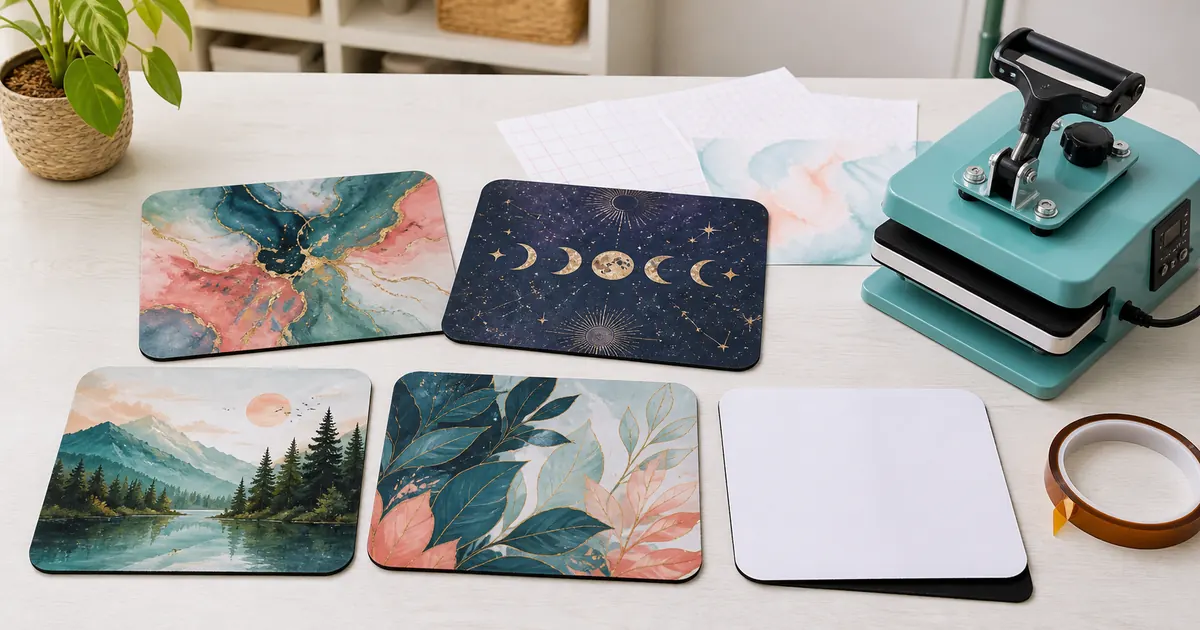
A mouse pad offers a broad printable surface without requiring wearable sizing, and the finished item works at home, school or the office. Bundles help when you need variety for markets, while single designs are easier to match to one recipient or room theme.
10 Mouse pad sublimation designs to Download
1. Mouse Pad Bundle with 160 Designs
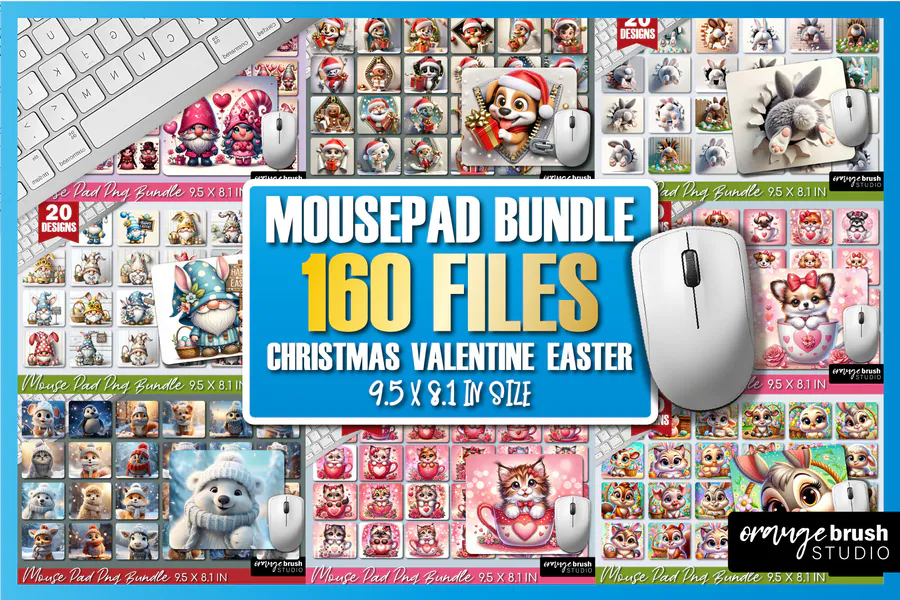
Christmas characters, Valentine animals, and Easter motifs fill this eight-in-one seasonal collection. You receive 160 PNG files at 300 DPI in 9.5 × 8.1-inch layouts, giving you several holidays to choose from when making a festive desk gift.
2. Boss Lady Mouse Pad Bundle
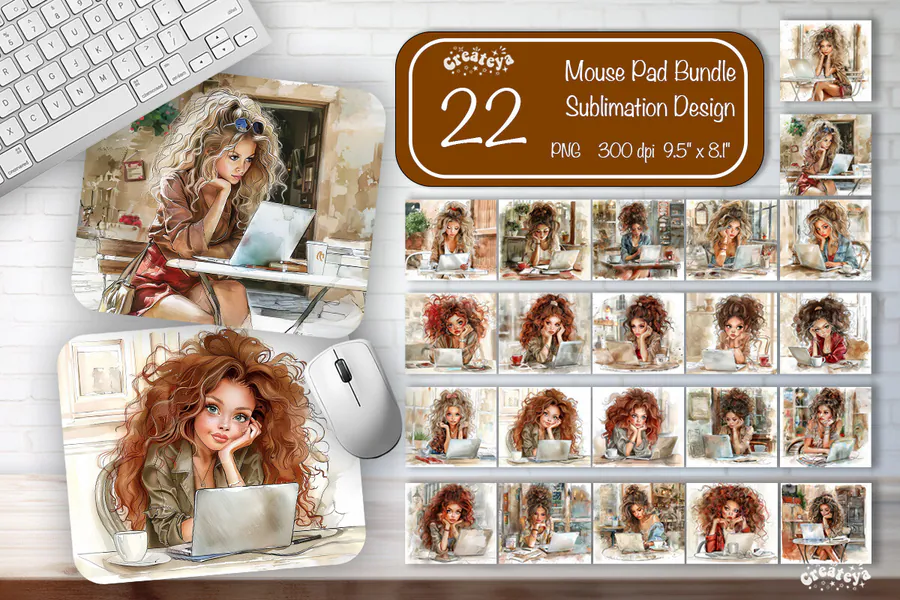
Watercolor-style women work at laptops in softly illustrated interiors, with different hair colors and desk scenes across the set. The bundle includes 22 PNGs measuring 9.5 × 8.1 inches at 300 DPI, for mouse pads with a personal office portrait theme.
3. Beach Highland Cow Mouse Pad Bundle
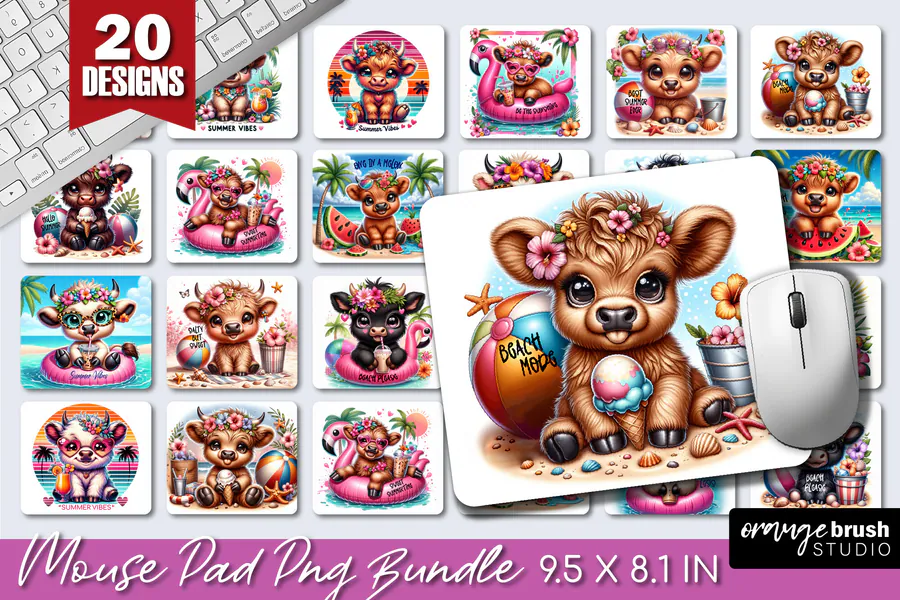
Big-eyed Highland cows wear flowers and sunglasses alongside beach balls, tropical foliage, and summer treats. Twenty 300 DPI PNGs provide 9.5 × 8.1-inch mouse pad designs, a playful animal collection for someone who likes bright vacation-inspired accessories.
4. Boho Celestial Mouse Pad Bundle
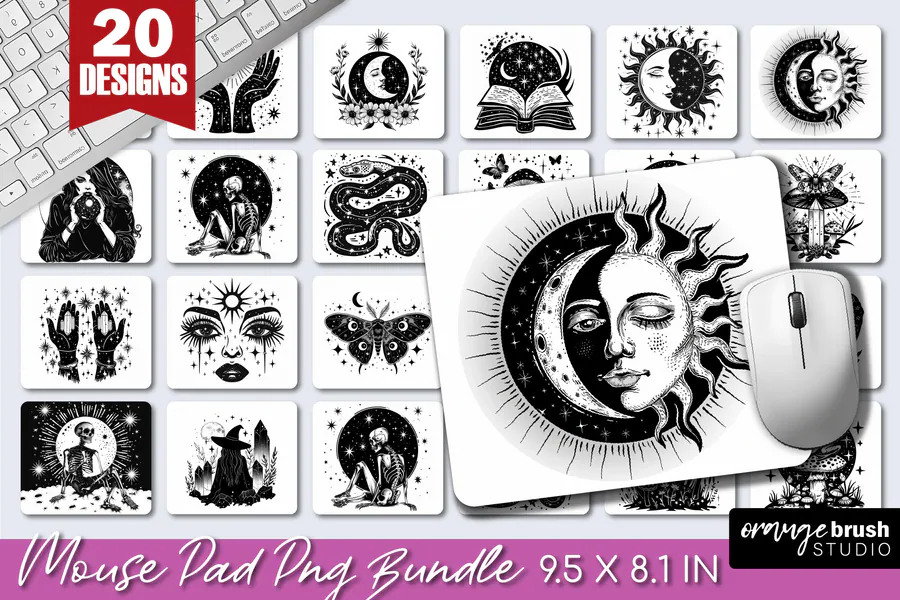
Black-and-white suns, moons, hands, moths, and other mystical motifs create a detailed celestial collection. Its 20 PNG designs come at 300 DPI and 9.5 × 8.1 inches, for mouse pads that use monochrome ornament instead of colorful character scenes.
5. Neon Tie-Dye Mouse Pad Design
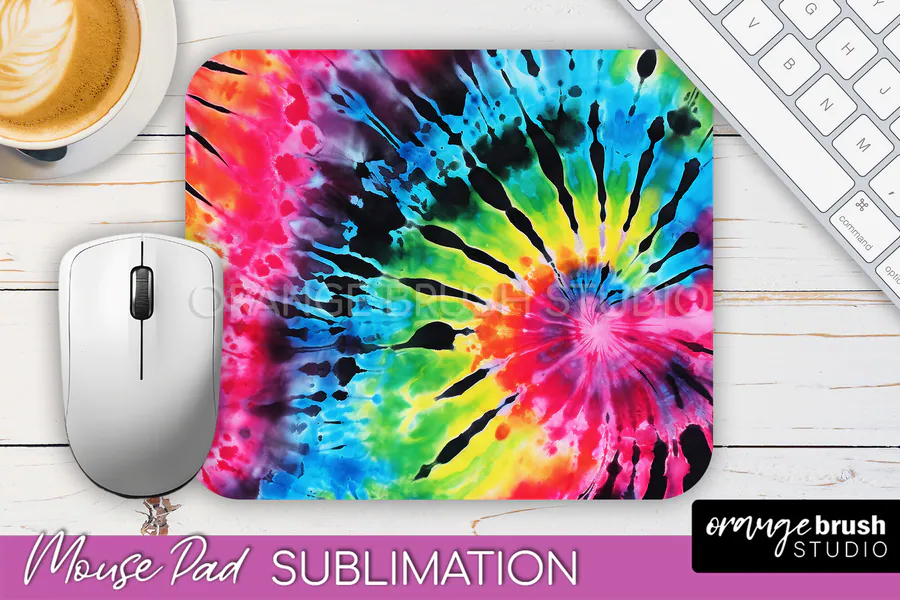
Neon pink, blue, yellow, and green radiate through a tie-dye spiral broken up by dark streaks. One PNG at 300 DPI supplies a 9.5 × 8.1-inch design, for a mouse pad with an all-over color pattern and no central character.
6. Patriotic Mouse Pad Bundle
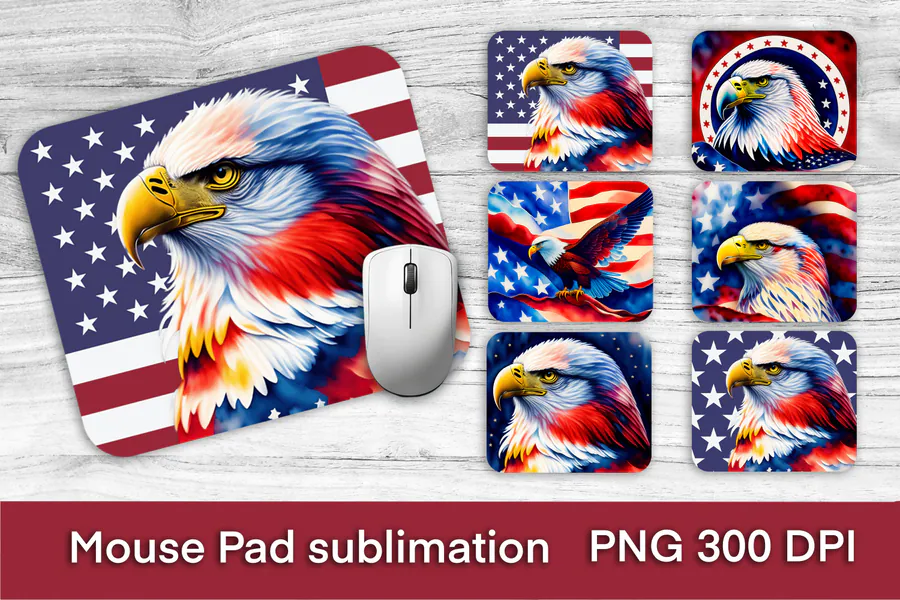
Bald eagle portraits and a flying eagle combine with American flag imagery in red, white, and blue. Six PNG files are provided at 300 DPI, each sized 9.5 × 8.1 inches, for patriotic mouse pads or a Fourth of July desk gift.
7. Lighthouse Mouse Pad Design
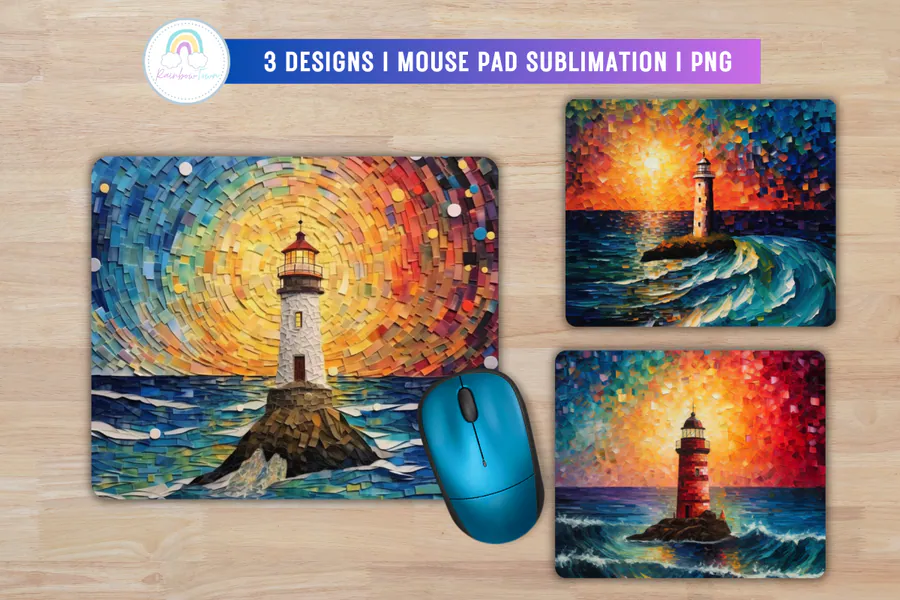
Three lighthouse scenes use mosaic-like brush marks, bright sunset skies, and curling ocean waves. The download contains three 300 DPI PNGs measuring approximately 9.5 × 8 inches, for mouse pads with colorful coastal scenery rather than photographic detail.
8. Quote Mouse Pad Sublimation Bundle
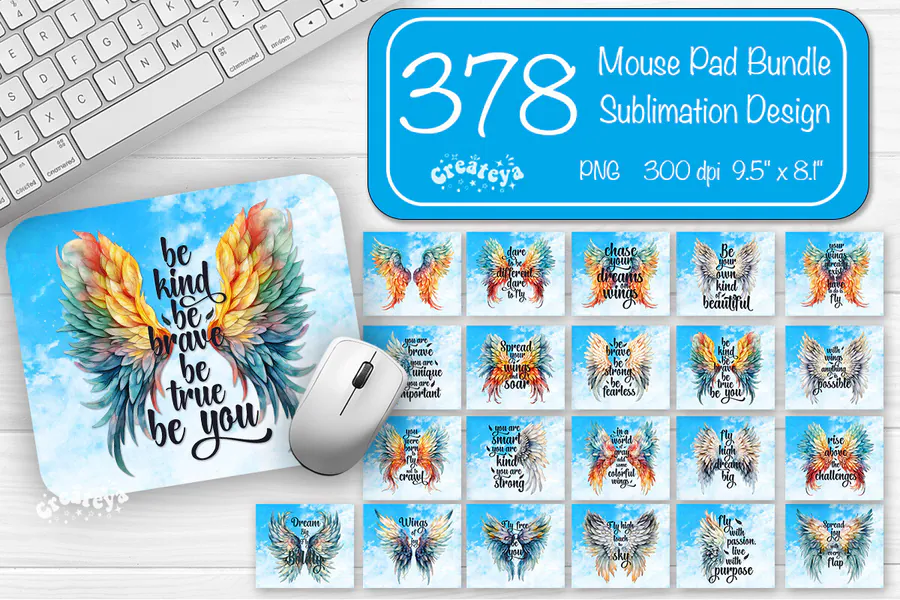
Watercolor wings frame encouraging sayings about courage, kindness, and following your dreams. This collection supplies 378 PNGs at 300 DPI in 9.5 × 8.1-inch layouts, offering many combinations of feather colors and motivational lettering for desk gifts.
9. Rainbow Cat Mouse Pad Design
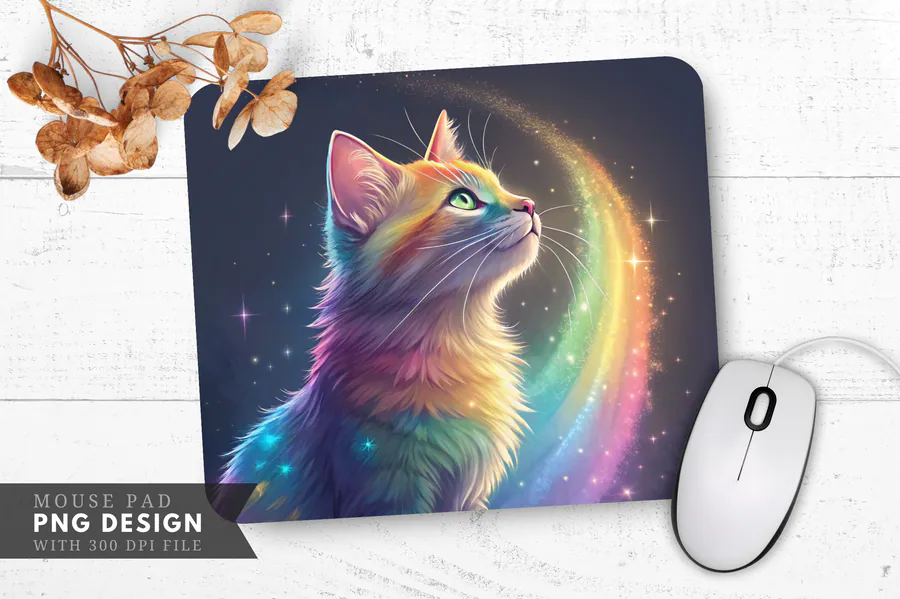
A rainbow-colored cat looks upward beside an arc of glowing color against a dark, starry background. The single PNG has 300 DPI resolution and 3480 × 2460 pixels, suitable for a custom mouse pad or another printed gift for a cat lover.
10. Inspirational Mouse Pad Design
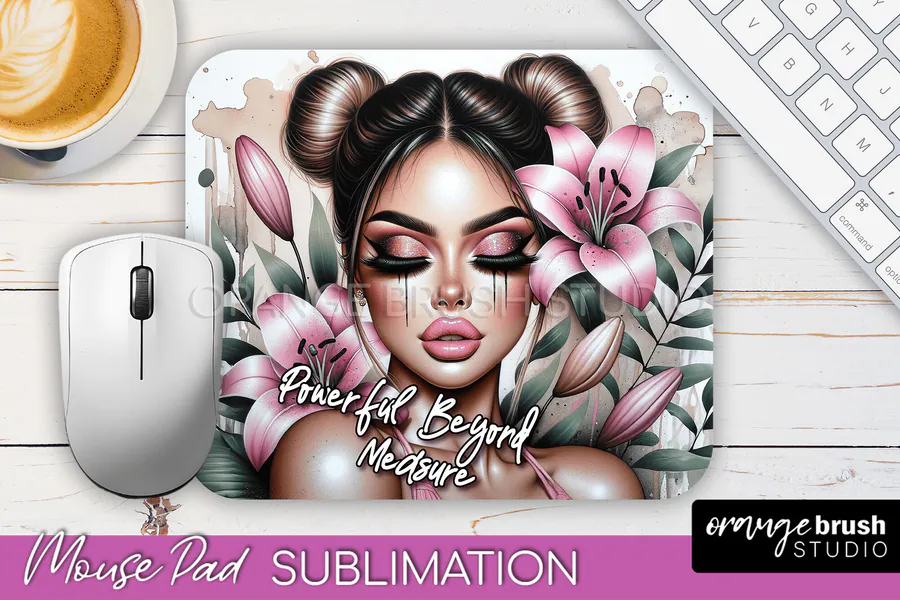
A stylized woman with double hair buns appears among pink lilies and leafy stems beneath an empowering handwritten message. The download includes one 9.5 × 8.1-inch PNG at 300 DPI, for a mouse pad that combines a fashion portrait with daily encouragement.
👉 Love these? Browse the full mouse pad sublimation collection for more desk-ready options.
How to Choose a Mouse Pad Sublimation Design
- Measure the exact printable face and corner radius of your blank.
- Choose broad bundles when you need varied inventory for gifts or markets.
- Keep names and focal subjects away from rounded edges and the mouse-tracking area.
- Use high-contrast artwork if the finished pad will sit beneath dark desk accessories.
- Check pixel dimensions and file format instead of relying only on stated DPI.
- Review the current file list and license on the product page before purchasing.
How to Size and Press a Sublimation Mouse Pad
Measure the coated polyester face, preserve the artwork ratio and extend only the background into the blank supplier’s recommended bleed. Print a full-size paper proof, lint-roll the surface, mirror when your workflow requires it and follow the current time, temperature and pressure instructions supplied with the blank.
Affiliate disclosure: This post contains affiliate links. If you purchase through them, I may earn a commission at no extra cost to you.
Frequently Asked Questions
What mouse pad blanks work with sublimation?
Use mouse pads with a white polyester or supplier-approved sublimation coating and a heat-resistant backing. Confirm the printable side, dimensions and pressing instructions before buying artwork or printing transfers.
Should I mirror a mouse pad sublimation design?
Many transfer workflows require mirrored printing, especially when wording is present, but the correct setting depends on your printer and paper. Follow the current equipment instructions and check a paper proof first.
How much bleed should I add to a mouse pad design?
Use the blank supplier’s template when available. Extend only background artwork beyond the cut edge, keep important details inside the rounded-corner safe area and avoid guessing from a generic mouse pad size.
How do I keep a sublimated mouse pad sharp?
Start with enough source pixels for the measured print size, avoid stretching the artwork and inspect it at 100 percent. Lint-roll the coated surface, secure the transfer and test the current press settings on one blank.
Ready to Personalize a Desk?
Choose the artwork that best fits the recipient, proof the rounded-corner crop and press one test blank before producing the rest.