10 Gaming Mouse Pad Sublimation Designs for Colorful Setups (2026)
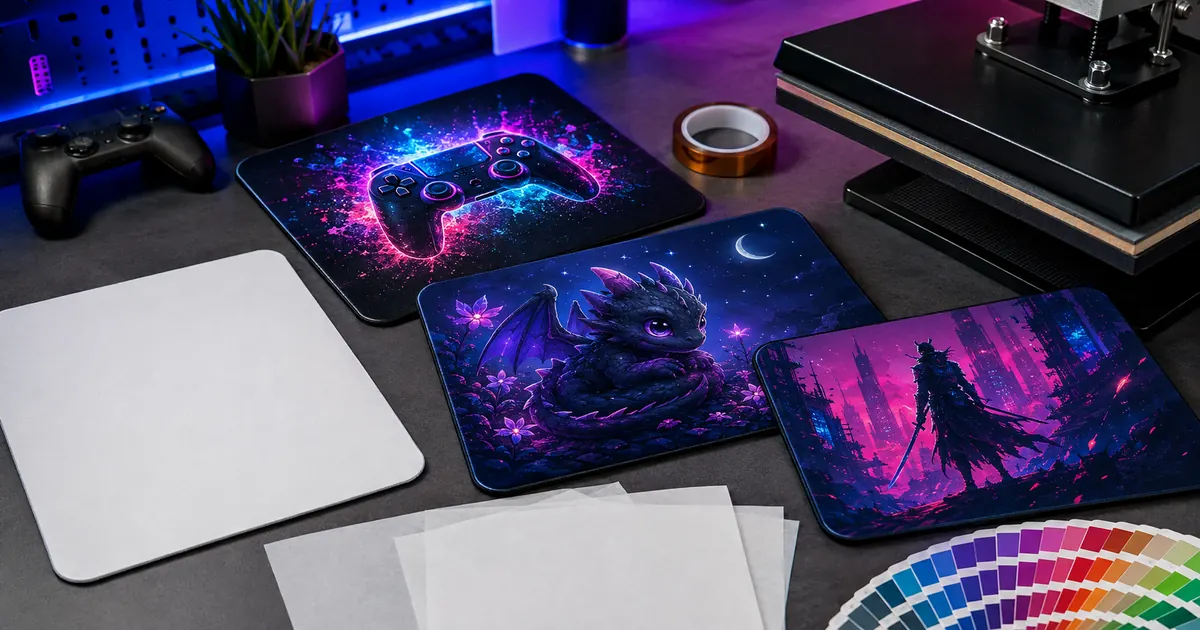
Gaming mouse pad sublimation designs can add strong color to a setup while keeping the surface useful for everyday play and work. This verified list follows current popularity signals but excludes three higher-ranked products whose only available source image was 600×400, replacing them with sharper controller, dragon and cyber-fantasy options.
| Design | Includes | Best for |
|---|---|---|
| 1. Cute Night Dragon Mouse Pad | 1 PNG; 9.5 × 8.1 in | Friendly moonlit dragons |
| 2. Neon City Gamer Mouse Pad | 4 PNGs; 9.5 × 8.2 in | Neon city setups |
| 3. Gaming Controller Mouse Pad 8 | PNG; 9.5 × 8.1 in | Light watercolor controllers |
| 4. Cyber Samurai Mouse Pad | 1 PNG | Cyber samurai scenes |
| 5. Gaming Controller Mouse Pad 26 | PNG; 9.5 × 8.1 in | Dark rainbow controllers |
| 6. Gaming Mouse Pad Design 11 | PNG; 9.5 × 8.1 in | Centered controller artwork |
| 7. 25-Design Game Controller Bundle 2 | 25 PNG designs | Neon controller variety |
| 8. 25-Design Game Controller Bundle 3 | 25 PNG designs | Rainbow painted collections |
| 9. Glowing Fantasy Gaming Mouse Pad | 1 PNG | Mystical blue ruins |
| 10. Stormy Paladin Mouse Pad | 1 PNG | Stormy medieval battles |
Why Gaming Artwork Benefits from a Wide Mouse Pad Surface
Controllers, dragons and cinematic scenes need room for glow effects and background detail. A clear central subject works on a standard pad, while repeated controller art or wide scenery is more forgiving when blanks vary slightly in proportion.
10 Gaming mouse pad sublimation designs to Download
1. Cute Night Dragon Mouse Pad
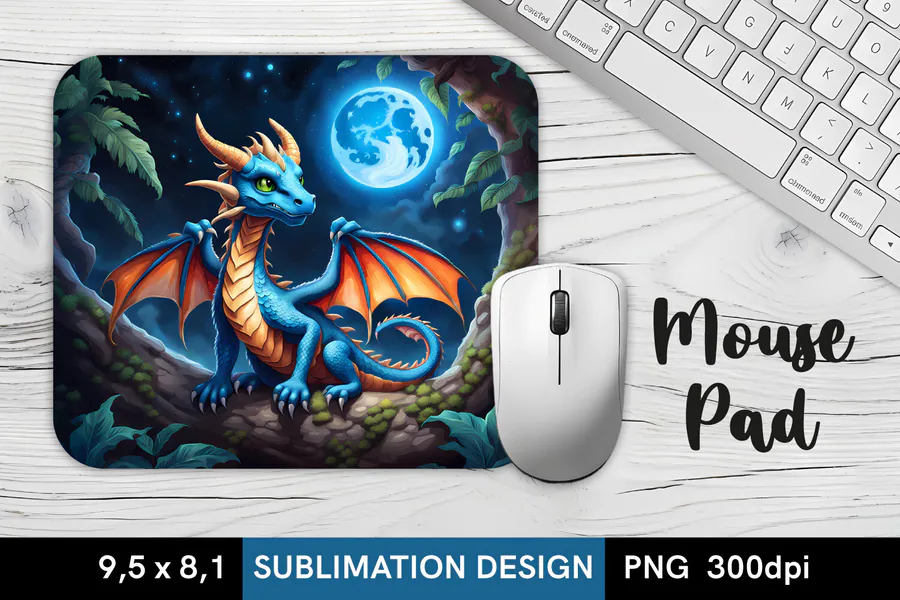
A small blue dragon with orange wings sits beneath a glowing moon, framed by foliage and a dark nighttime sky. One 300 DPI PNG measuring 9.5 × 8.1 inches is included for a mouse pad with a friendly fantasy character.
2. Neon City Gamer Mouse Pad
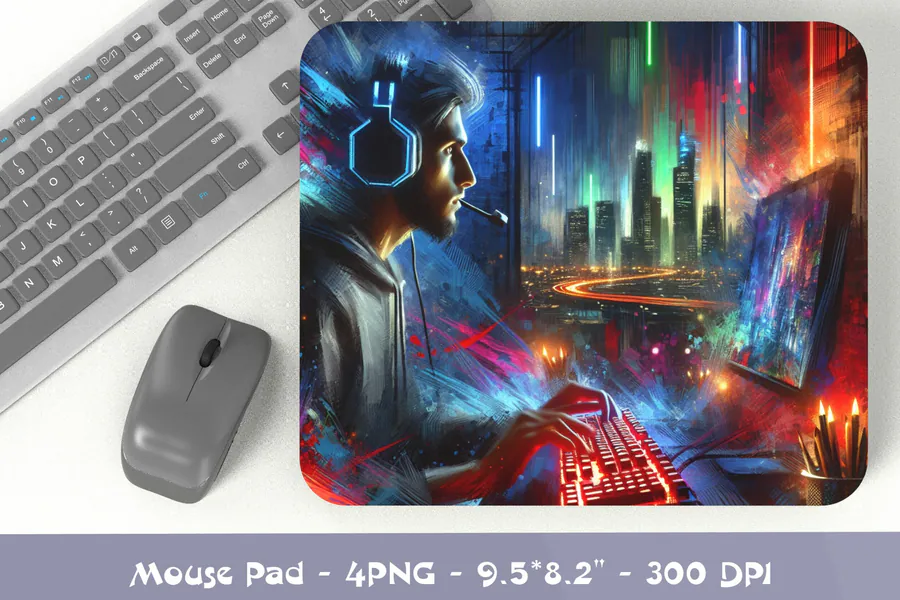
A headset-wearing gamer faces a monitor amid blue and orange neon, with a futuristic city glowing behind him. The preview lists four PNGs at 300 DPI and 9.5 × 8.2 inches, for mouse pads that bring a cinematic cyberpunk scene to the desk.
3. Gaming Controller Mouse Pad 8
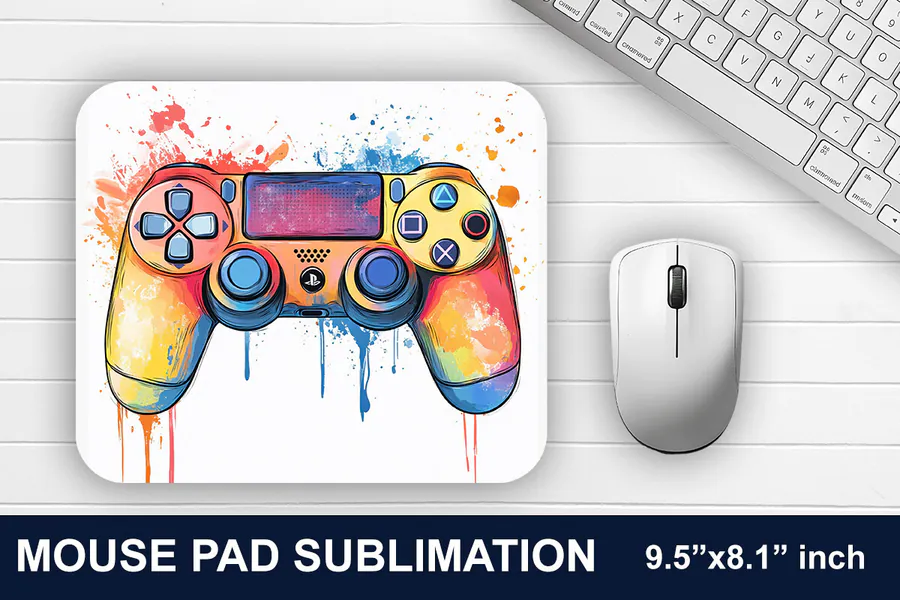
A red, yellow, and blue controller floats over a white background with watercolor splashes and long paint drips. The PNG artwork is designed for 9.5 × 8.1-inch mouse pads, a colorful choice for a gaming desk that favors a light backdrop.
4. Cyber Samurai Mouse Pad
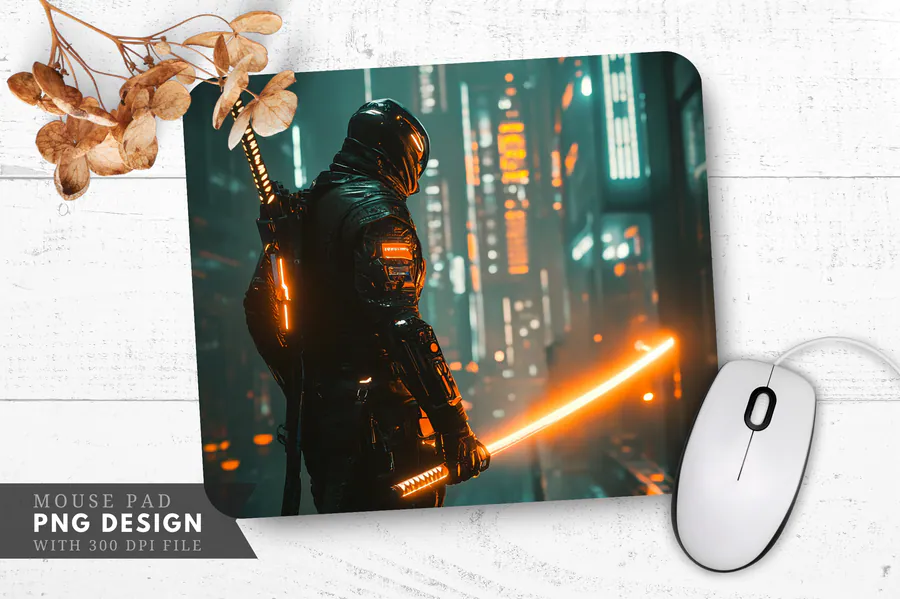
An armored cyber samurai holds a glowing orange katana in a shadowy futuristic street. The download contains one PNG at 300 DPI for mouse pads and other printed accessories, with warm blade light contrasting against the cool city background.
5. Gaming Controller Mouse Pad 26
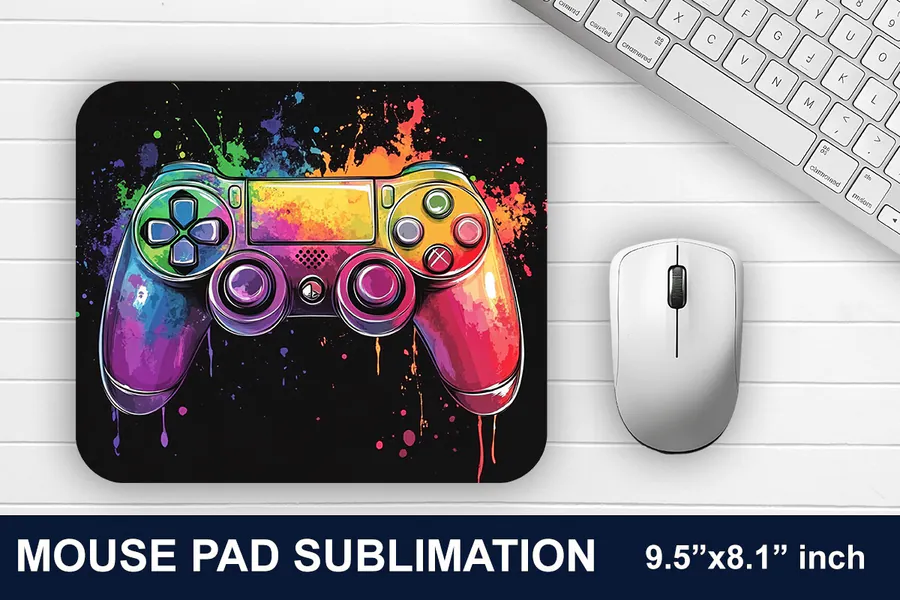
Rainbow colors cover a large controller, with bright paint splatters standing out against the black backdrop. Sized at 9.5 × 8.1 inches, this PNG design suits a sublimation mouse pad where saturated color and a dark surround are the main features.
6. Gaming Mouse Pad Design 11
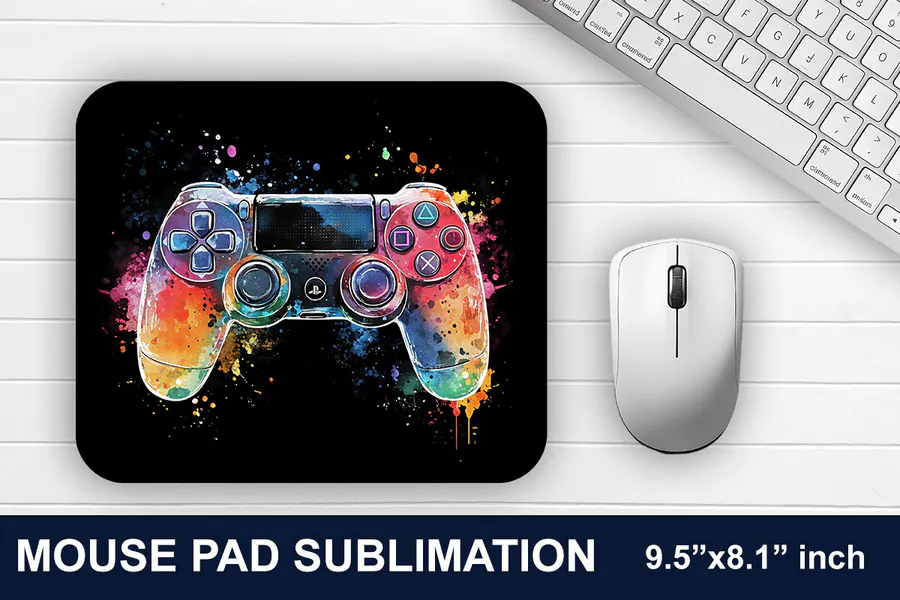
A controller shaded in blue, pink, and orange sits within a compact burst of watercolor on black. The PNG download uses a 9.5 × 8.1-inch layout, for a gaming mouse pad with more empty dark space around the central graphic.
7. 25-Design Game Controller Bundle 2
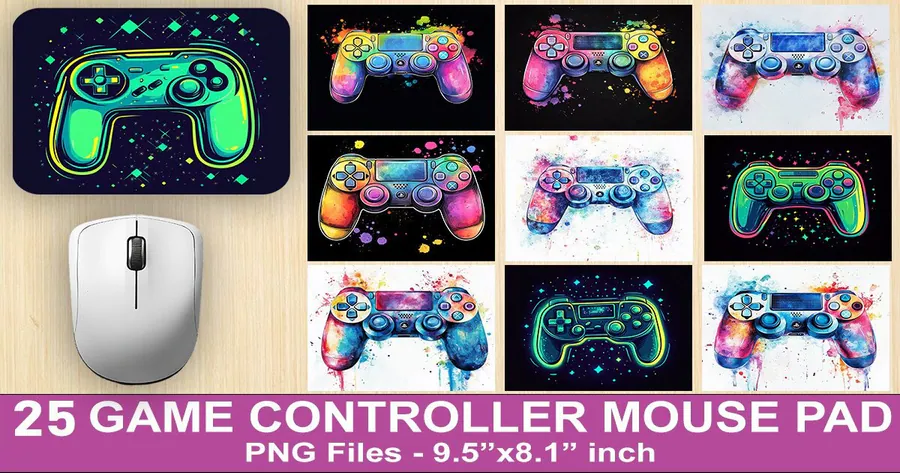
This 25-design set mixes neon green controller outlines with colorful painted controllers and splatter effects. PNG artwork is sized for 9.5 × 8.1-inch mouse pads, offering both glowing graphic styles and watercolor options for gaming-themed gifts.
8. 25-Design Game Controller Bundle 3
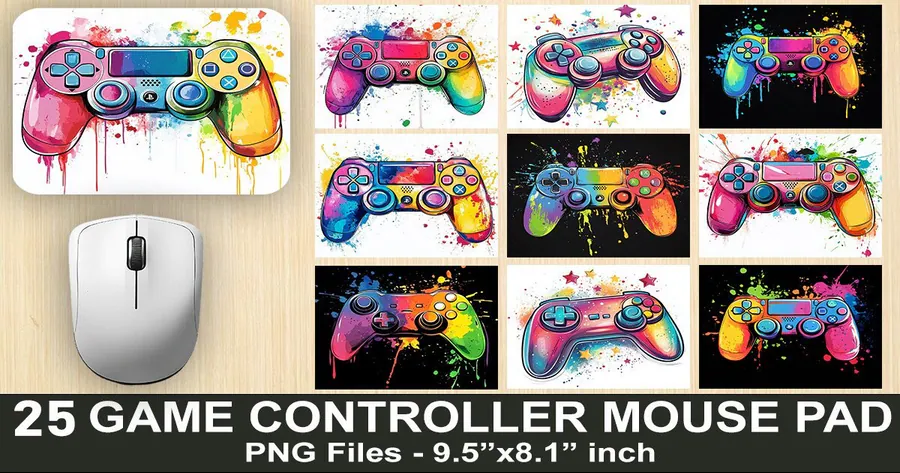
Rainbow controllers appear with paint drips, watercolor splashes, and small stars across this illustrated collection. The bundle contains 25 PNG designs in 9.5 × 8.1-inch layouts, giving you several bright variants for a coordinated group of gaming mouse pads.
9. Glowing Fantasy Gaming Mouse Pad
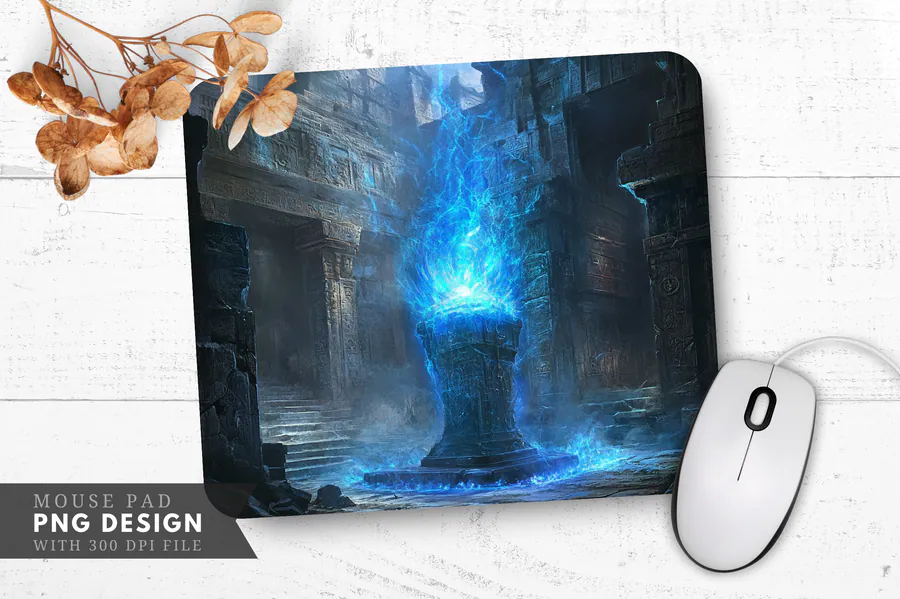
Blue magical fire rises from a stone pedestal inside dark ruins, lighting the surrounding steps and walls. A single 300 DPI PNG supplies the scene for a mouse pad or other printed accessory with an atmospheric fantasy setting.
10. Stormy Paladin Mouse Pad
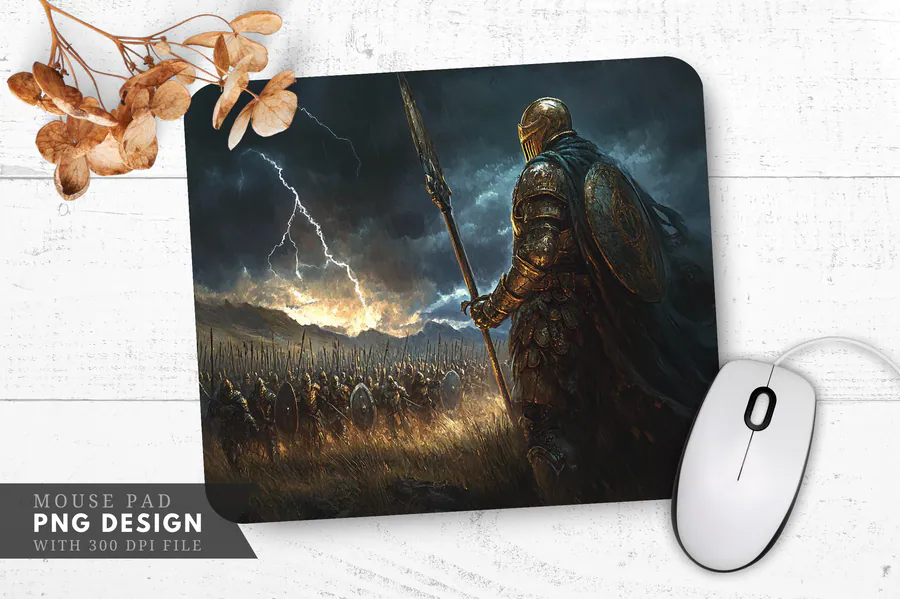
An armored paladin looks over a battlefield beneath lightning and dark storm clouds, carrying a shield and long weapon. This one-file PNG download has 300 DPI resolution and brings a dramatic medieval fantasy scene to a custom mouse pad.
👉 Love these? Browse the full mousepad sublimation collection for more colorful setup ideas.
How to Choose a Gaming Mouse Pad Design
- Match the artwork ratio to the exact pad rather than stretching a wide scene.
- Keep controller buttons, faces and weapon silhouettes inside the rounded-corner safe area.
- Choose strong midtone contrast so details survive beneath a mouse and keyboard lighting.
- Avoid recognizable game characters and third-party logos when making products for sale.
- Check the full-resolution source before enlarging neon or highly detailed artwork.
- Review the current file list and license on the product page before purchasing.
How to Preserve Neon Color on a Gaming Mouse Pad
Use a color-managed print workflow and make a small test when saturated cyan, blue and magenta are important. Size the art to the measured blank, add the recommended bleed, lint-roll the surface, mirror when required and use the current press settings from the blank supplier.
Affiliate disclosure: This post contains affiliate links. If you purchase through them, I may earn a commission at no extra cost to you.
Frequently Asked Questions
What mouse pad blanks work with sublimation?
Use mouse pads with a white polyester or supplier-approved sublimation coating and a heat-resistant backing. Confirm the printable side, dimensions and pressing instructions before buying artwork or printing transfers.
Should I mirror a mouse pad sublimation design?
Many transfer workflows require mirrored printing, especially when wording is present, but the correct setting depends on your printer and paper. Follow the current equipment instructions and check a paper proof first.
How much bleed should I add to a mouse pad design?
Use the blank supplier’s template when available. Extend only background artwork beyond the cut edge, keep important details inside the rounded-corner safe area and avoid guessing from a generic mouse pad size.
How do I keep a sublimated mouse pad sharp?
Start with enough source pixels for the measured print size, avoid stretching the artwork and inspect it at 100 percent. Lint-roll the coated surface, secure the transfer and test the current press settings on one blank.
Ready to Upgrade a Gaming Setup?
Choose a design with enough contrast for the desk lighting, inspect it at full print size and test one blank before producing a set.