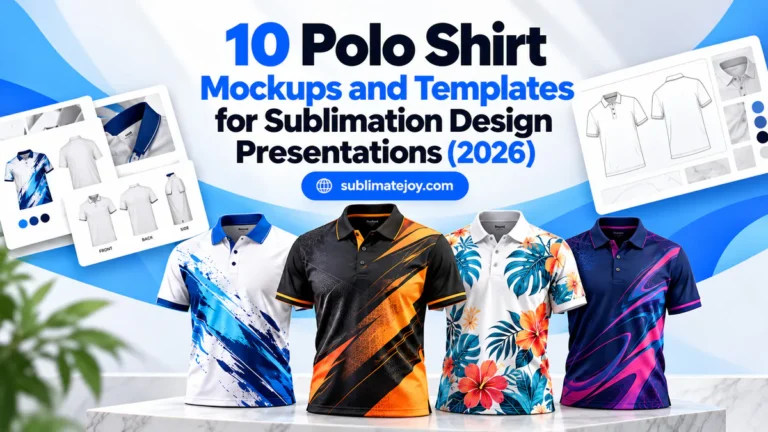
10 Sublimation Polo Shirt Design Templates for Custom Apparel (2026)
A practical sublimation polo shirt design workflow usually needs both an editable garment plan and a convincing way to present the result. This list places the most popular vector and flat-sketch resources first, then adds selected mockups for client review. Production templates and presentation mockups have different jobs, so every entry is labeled clearly.
| Design | Includes | Best for |
|---|---|---|
| 1. Polo Shirt Fashion Flat Sketch | Flat sketch | Color and trim planning |
| 2. Black Polo Shirt SVG Template 4 | SVG template | Dark-base polo concepts |
| 3. Black Polo Shirt SVG Template 3 | SVG template | Concept approvals |
| 4. Black Polo Shirt SVG Template 1 | SVG template | Early layout planning |
| 5. Hanging Polo Mockup Bundle 2 | Mockup bundle | Hanging polo previews |
| 6. Polo Shirt Vector Illustration 2 | Vector illustration | Front-and-back styling |
| 7. Polo Shirt Vector Illustration 1 | Vector illustration | Colorway approvals |
| 8. Black Polo Shirt SVG Template 2 | SVG template | Geometric overlay tests |
| 9. Women’s Polo Model Mockup Bundle | Mockup bundle | Women’s polo previews |
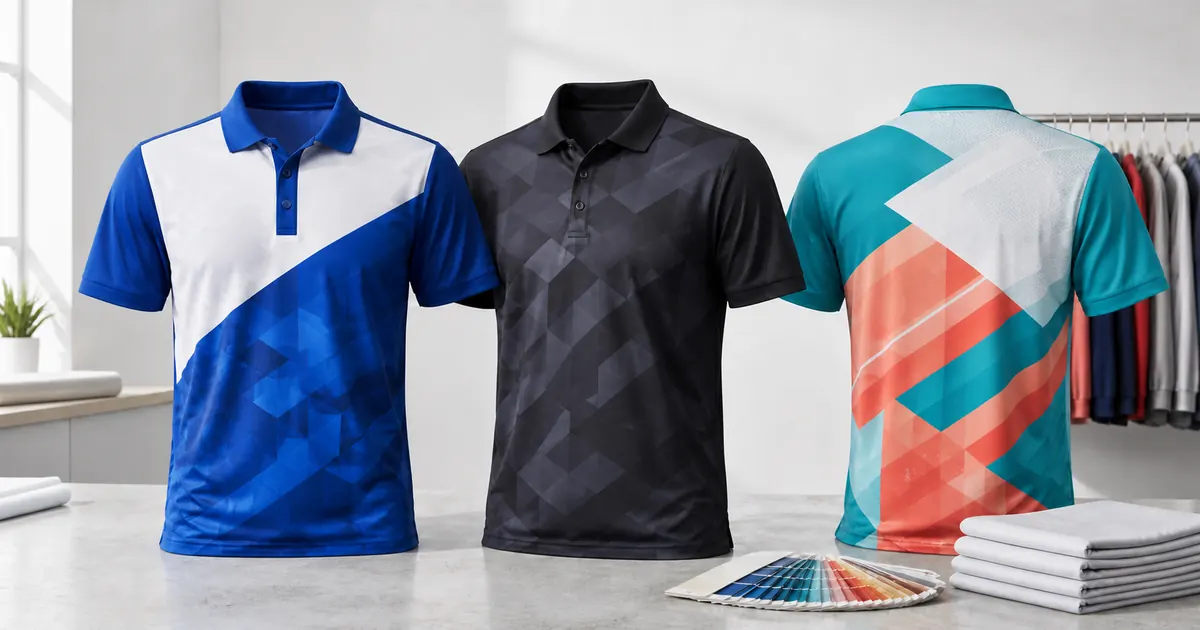
| 10. Polo Shirt Mockup Bundle | Mockup bundle | Multi-color presentations |
Why Polo Shirt Templates Help Before Sublimation
A front-and-back garment template helps establish collar, placket, sleeve and body placement before artwork reaches production. Presentation mockups are useful later for approvals and listings, but the actual sublimation panels must always come from the manufacturer of the chosen polo blank.
10 Polo Shirt Templates & Mockups to Compare
1. Polo Shirt Fashion Flat Sketch
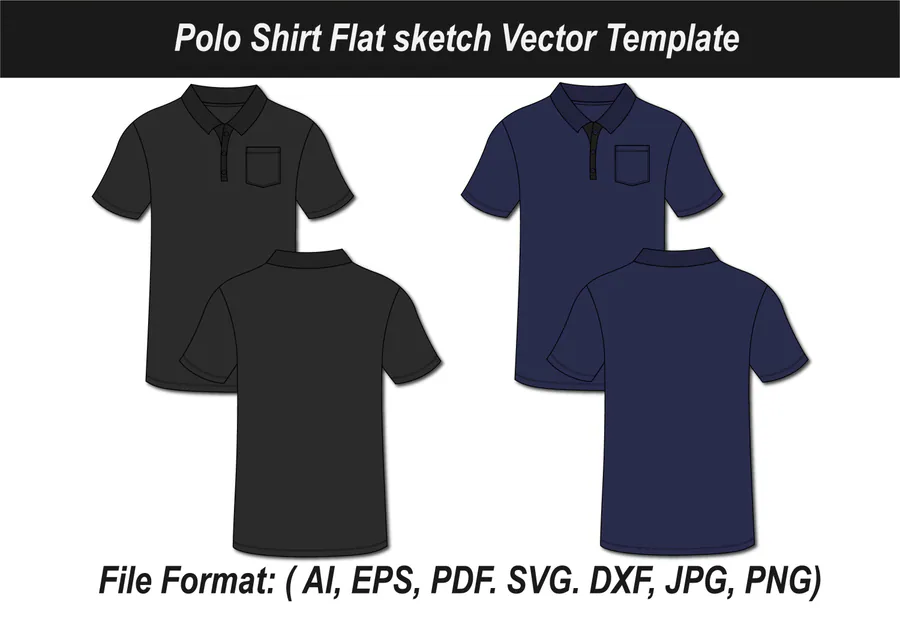
The most popular planning resource in this pool, this flat sketch is useful for mapping colors, trims and placements before production. It is a design aid, not a manufacturer-specific print panel.
2. Black Polo Shirt SVG Template 4
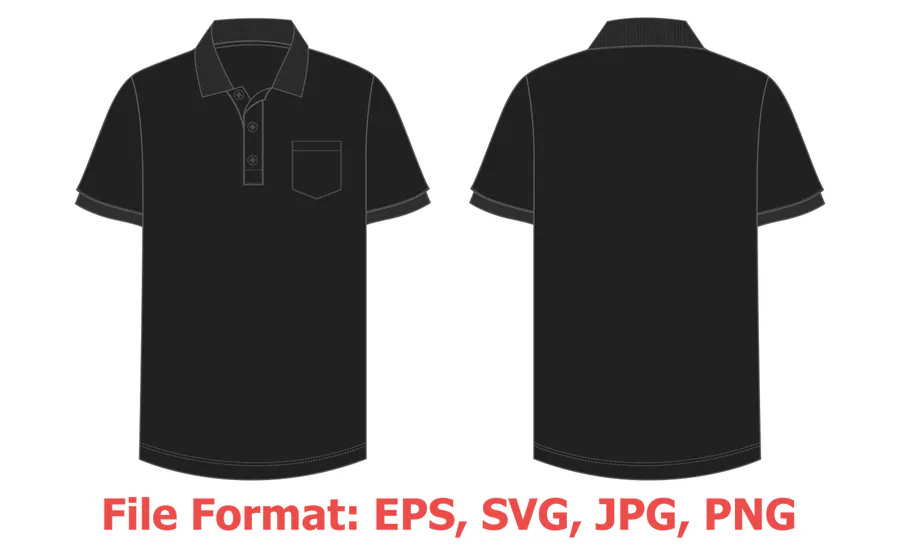
An editable vector polo view for experimenting with a dark base, accent panels and chest placement. Confirm every proportion against the final garment template.
3. Black Polo Shirt SVG Template 3
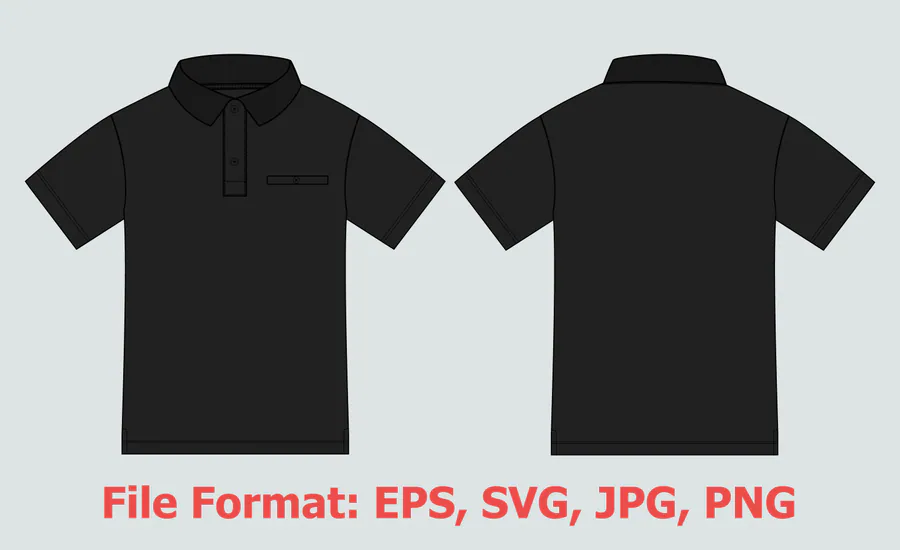
A second dark polo arrangement with a different visual structure for comparing custom apparel directions. Use it for concept planning and approvals.
4. Black Polo Shirt SVG Template 1
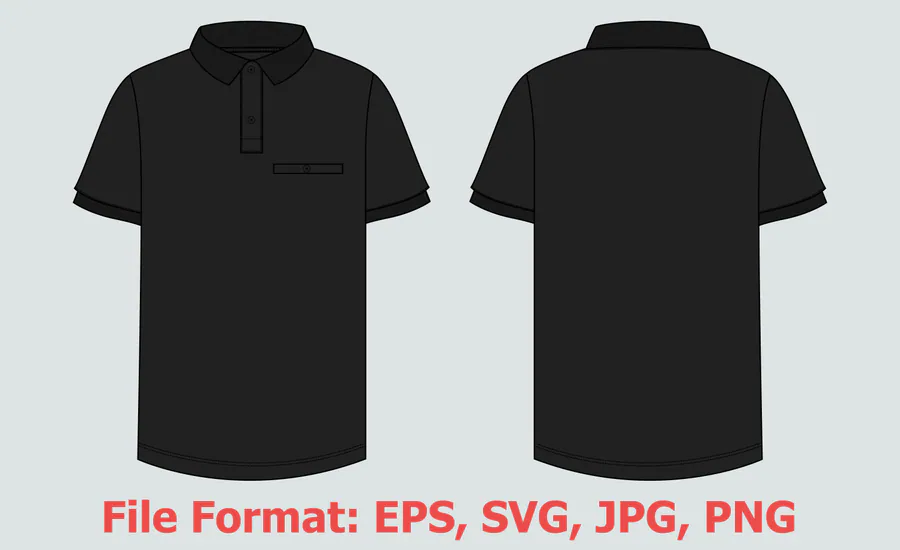
A clean black polo illustration that offers a straightforward canvas for contrasting sublimation artwork. It is most useful during early layout and color exploration.
5. Hanging Polo Mockup Bundle 2
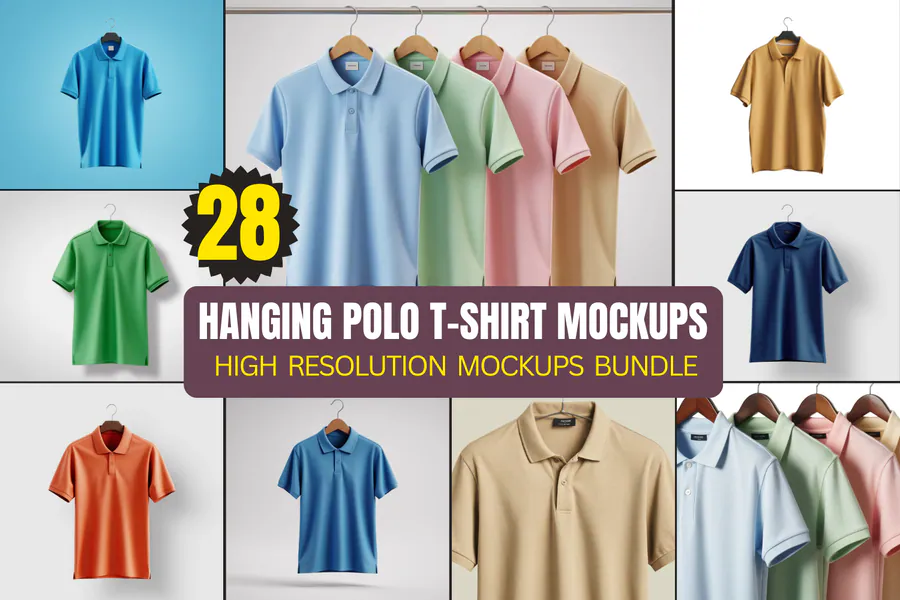
A presentation-focused bundle for showing finished polo concepts in a natural hanging view. Add only a flattened preview after the real production artwork is complete.
6. Polo Shirt Vector Illustration 2
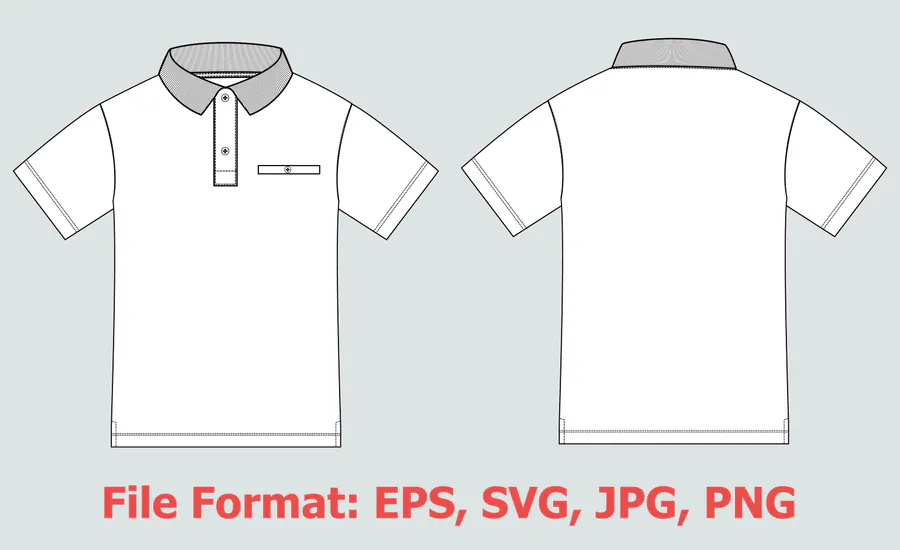
An editable illustration for planning front-and-back styling, trim colors and graphic balance. Verify collar and sleeve construction against the selected blank.
7. Polo Shirt Vector Illustration 1
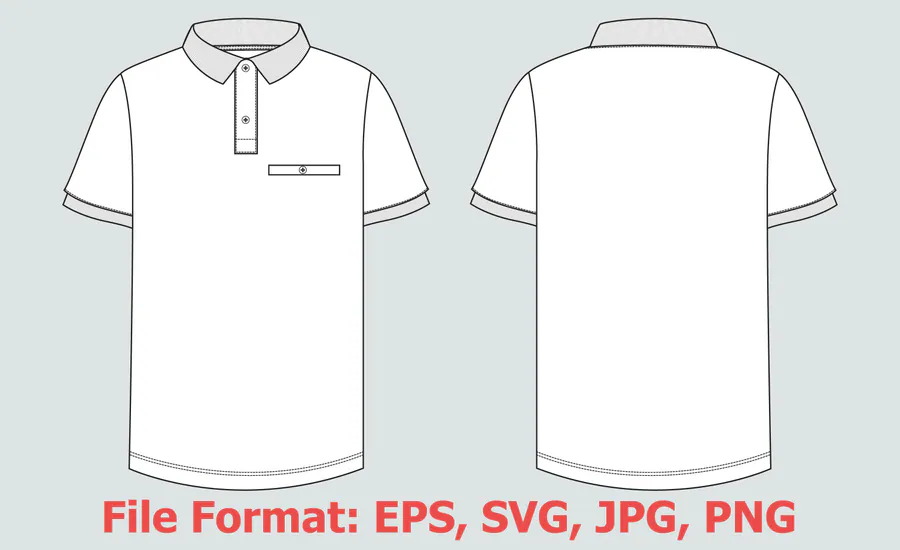
A versatile vector concept sheet for alternate colorways and client approvals. It supports design decisions but does not replace a printer-supplied panel map.
8. Black Polo Shirt SVG Template 2
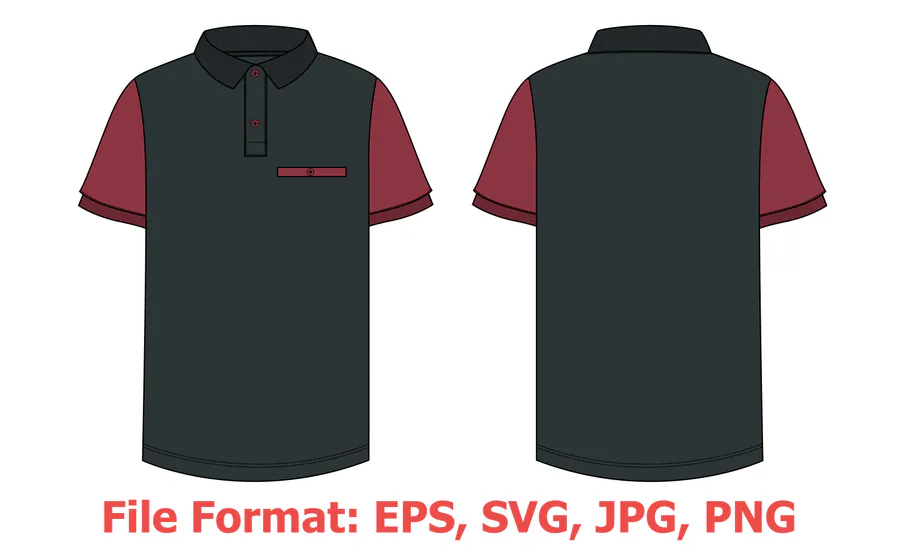
Another dark-base SVG option for testing bright geometric overlays and restrained branding zones. Keep placket and seam transitions simple until production fitting.
9. Women’s Polo Model Mockup Bundle
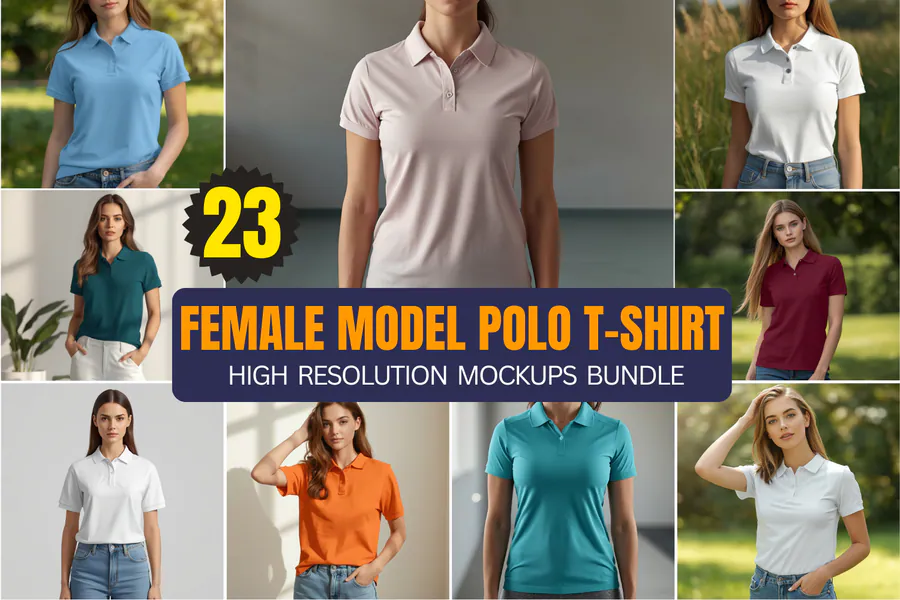
A lifestyle presentation bundle for evaluating how a finished design reads on a women’s polo silhouette. Treat it as a visual approval tool rather than print-ready artwork.
10. Polo Shirt Mockup Bundle
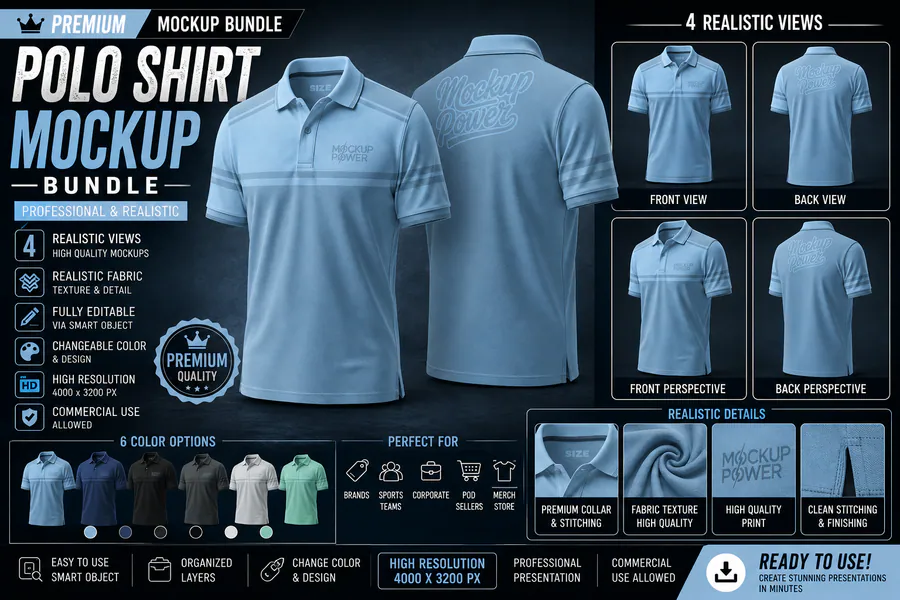
A neutral bundle of polo presentation views for showing completed concepts across several colors and arrangements. Use it after production artwork has been fitted to the real garment panels.
👉 Love these? Browse the full polo shirt template collection for more apparel planning resources.
How to Choose a Sublimation Polo Shirt Design Resource
- Use editable vector or flat-sketch files for planning artwork, colors and placement.
- Use photo mockups only for presentation; they do not replace production panel templates.
- Confirm front, back, sleeve, collar and placket views before starting the design.
- Check that the included file formats work with your preferred apparel software.
- Match the intended fit—regular, women’s, oversized or quarter zip—to the final garment.
- Review the current file list and license on the product page before use.
How to Plan and Present a Sublimation Polo
Begin with the exact production panel map from the garment manufacturer. Build the color system and artwork inside those panels, protecting the collar, placket, seams and logo zones from awkward transitions. After the production artwork is approved, place a flattened preview into a compatible mockup for client review or product presentation. Always test the final colors on the intended polyester fabric.
Affiliate disclosure: This post contains affiliate links. If you purchase through them, I may earn a commission at no extra cost to you.
Frequently Asked Questions
What file type should I choose for sublimation polo shirt design?
PNG is common for ready-to-print artwork, while SVG, EPS or AI files are useful when you need editable vector elements. Check the exact formats in each listing and confirm compatibility with your software.
Can I resize a sublimation design?
Yes, but resize proportionally and start with artwork large enough for the blank. Avoid enlarging a small raster image so far that edges become soft or pixelated.
Do I need to mirror the artwork before printing?
Many sublimation workflows require mirroring, but the correct setting depends on the printer, transfer process and project. Follow the instructions for your equipment and make a test before the final item.
Which blanks work best for sublimation?
Use blanks specifically prepared for dye sublimation, such as suitable polyester garments or polymer-coated hard goods. Follow the blank supplier’s current pressing guidance.
Ready to Plan a Polished Custom Polo?
Start with an editable garment layout, validate it against the real production panels, and use a mockup only when you need a clear presentation view.