10 Halloween Candy Sublimation PNG Designs for Trick-or-Treat Crafts (2026)
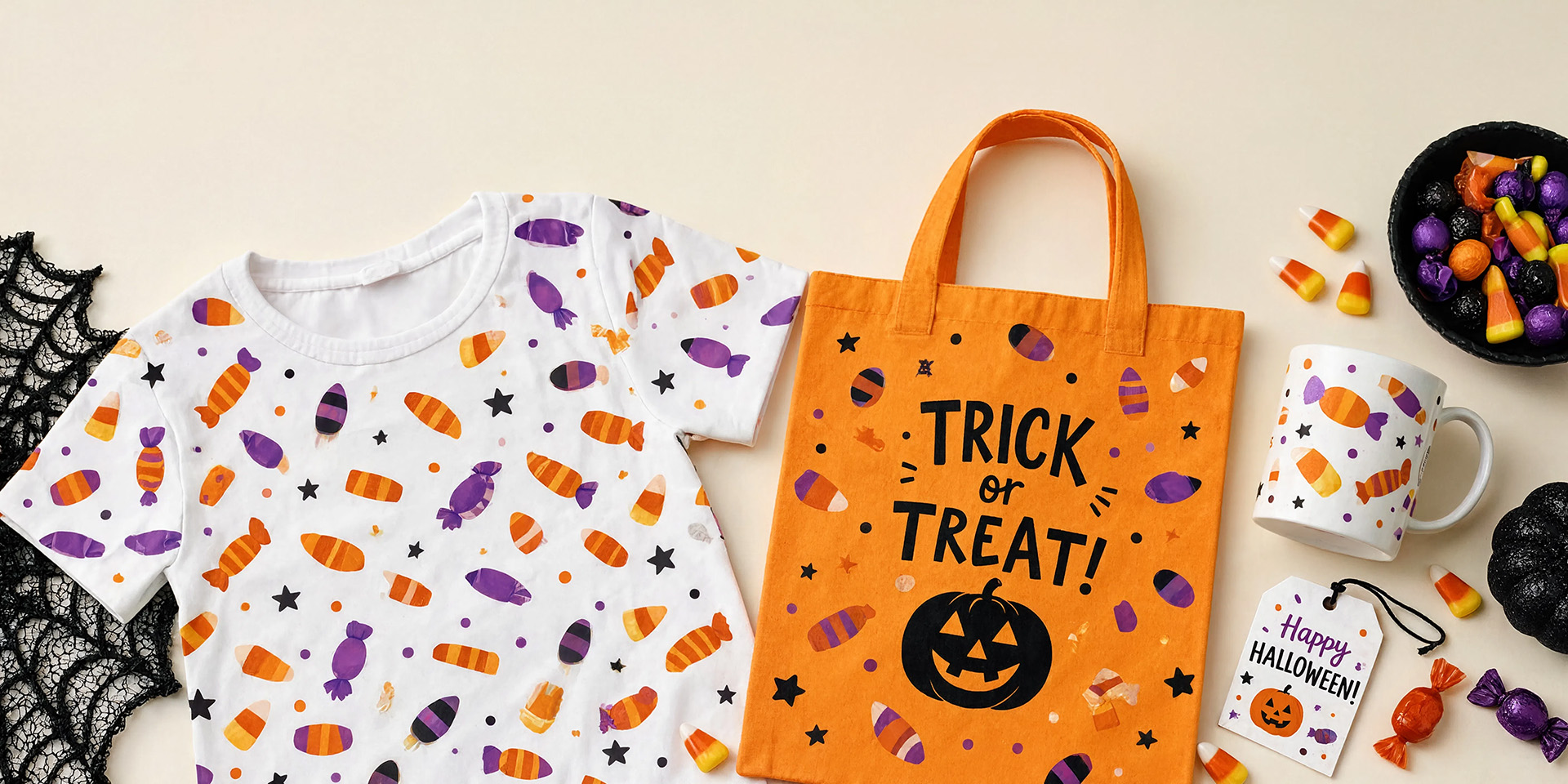
A Halloween candy sublimation PNG turns candy corn, lollipops, treat buckets and spooky sweets into cheerful designs for shirts, mugs, totes and party favors. These ten picks work especially well for trick-or-treat bags and children’s seasonal crafts.
| Design | Includes | Best for |
|---|---|---|
| 1. Halloween Candy Clipart Bundle | Clipart assortment | Spooky treat crafts |
| 2. Trick or Treat Halloween Sublimation PNG | 1 design | Trick-or-treat shirts |
| 3. Halloween Candy Shop Sublimation PNG | 1 design | Centered shirts, mugs |
| 4. Halloween Pumpkin Basket Candy Clipart | 15 PNGs | Treat bags, party pieces |
| 5. Trick or Treat Sublimation Bundle | Design bundle | Personalized candy bags |
| 6. Trick-or-Treat Bag Sublimation Bundle | 14 designs | Treat totes, kids’ tees |
| 7. Halloween Candy Jar Sublimation Clipart | 30 designs | Gifts and kitchen crafts |
| 8. Candy Corn | 12 PNGs | Bright playful projects |
| 9. Halloween Candy Sublimation Clipart | 1 illustration | Mugs, shirts, cards |
| 10. Watercolor Halloween Candy Clipart | 1 illustration | Soft invitations, mugs |
Why Halloween Candy Designs Are Perfect for Trick-or-Treat Projects
Candy motifs are instantly connected to Halloween and remain fun without feeling frightening. Their bright shapes read well on small blanks, and collections of treats can fill a tote or shirt front while still leaving room for a name or short phrase.
10 Halloween Candy Sublimation PNG Designs to Download
1. Halloween Candy Clipart Bundle
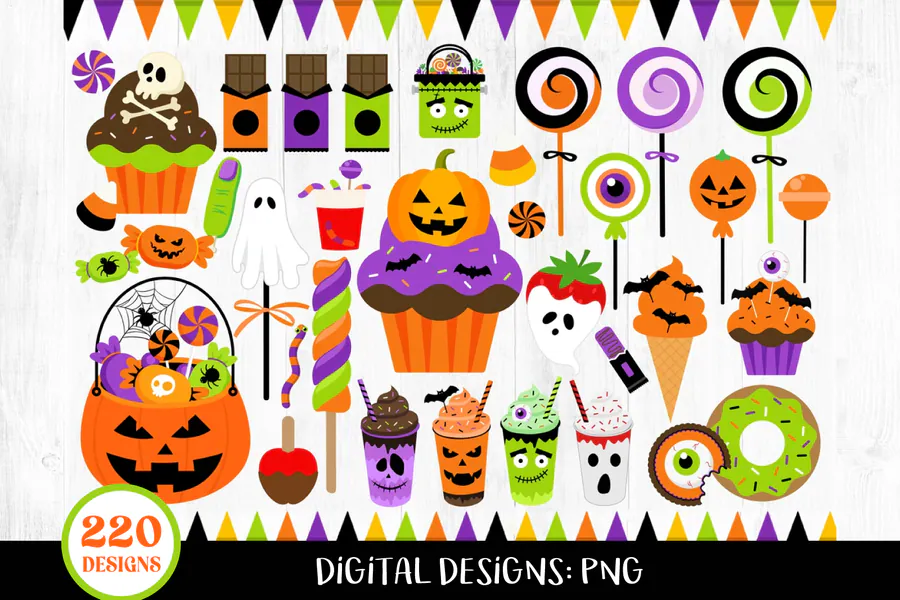
An assortment of candy corn, cupcakes, apples, lollipops and other spooky treats.
2. Trick or Treat Halloween Sublimation PNG
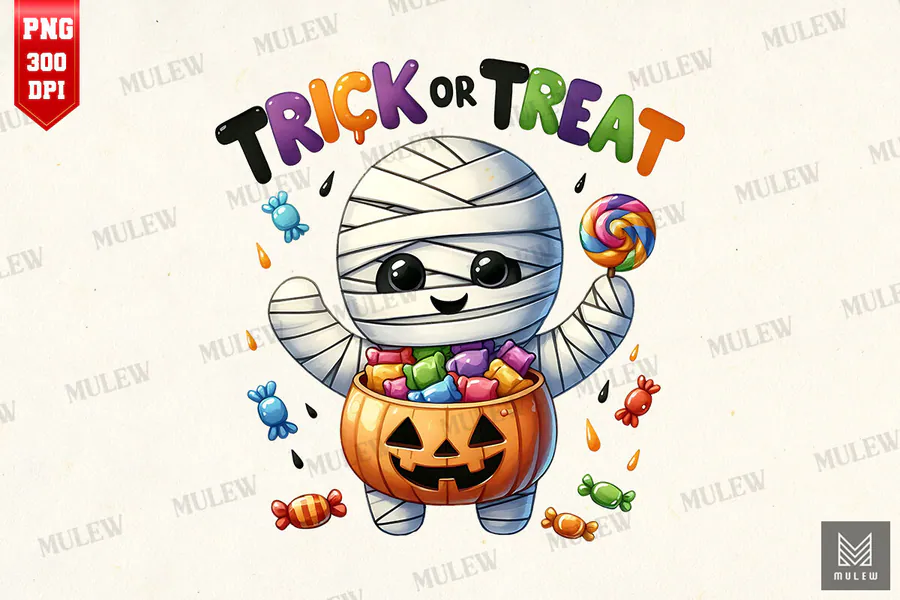
A transparent square design built around the classic trick-or-treat message.
3. Halloween Candy Shop Sublimation PNG
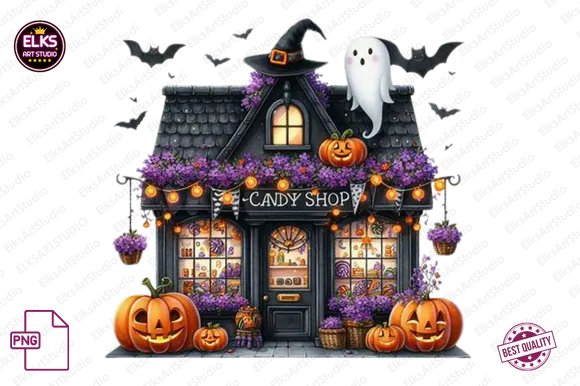
A detailed candy-shop composition for centered shirt, mug and tote layouts.
4. Halloween Pumpkin Basket Candy Clipart
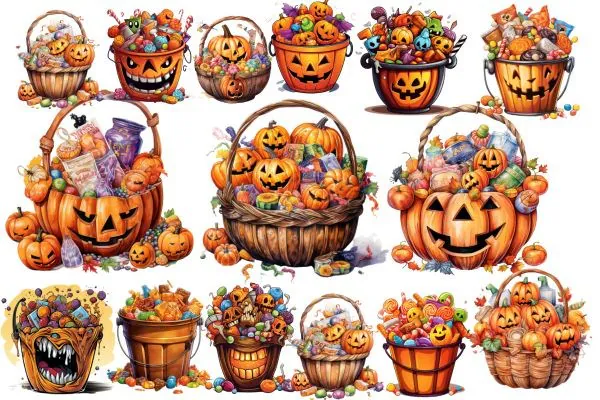
Fifteen transparent pumpkin-basket PNGs ready for treat bags and party pieces.
5. Trick or Treat Sublimation Bundle
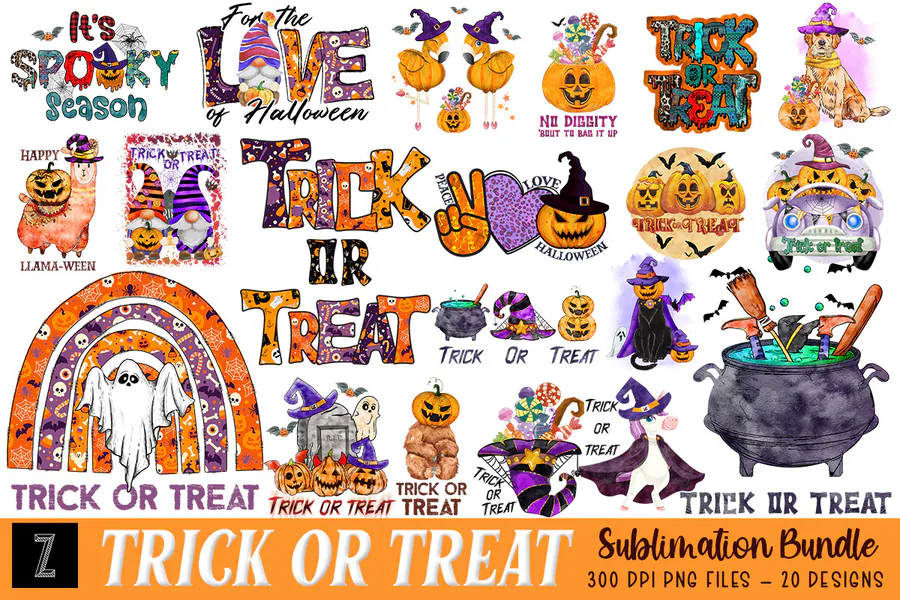
A coordinated 300-DPI bundle for shirts, mugs, cushions and personalized candy bags.
6. Trick-or-Treat Bag Sublimation Bundle
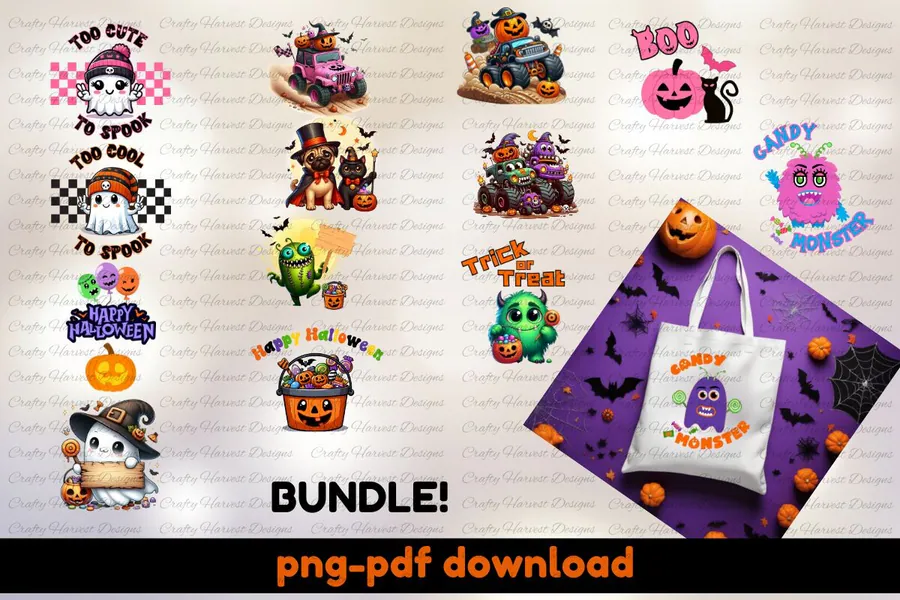
Fourteen PNG and PDF designs sized for treat totes and children’s tees.
7. Halloween Candy Jar Sublimation Clipart
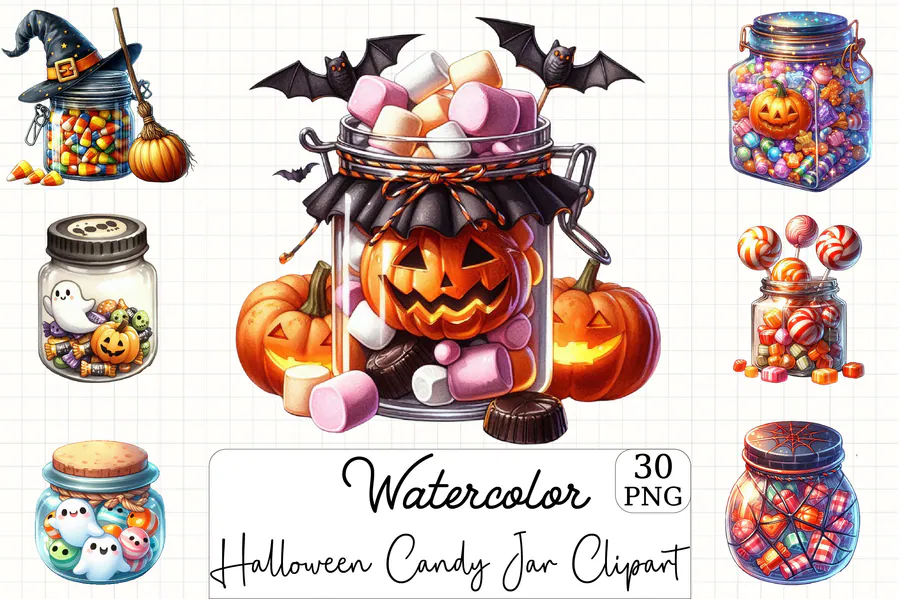
Thirty jar-themed candy designs at 300 DPI for gifts, stickers and seasonal kitchen crafts.
8. Candy Corn
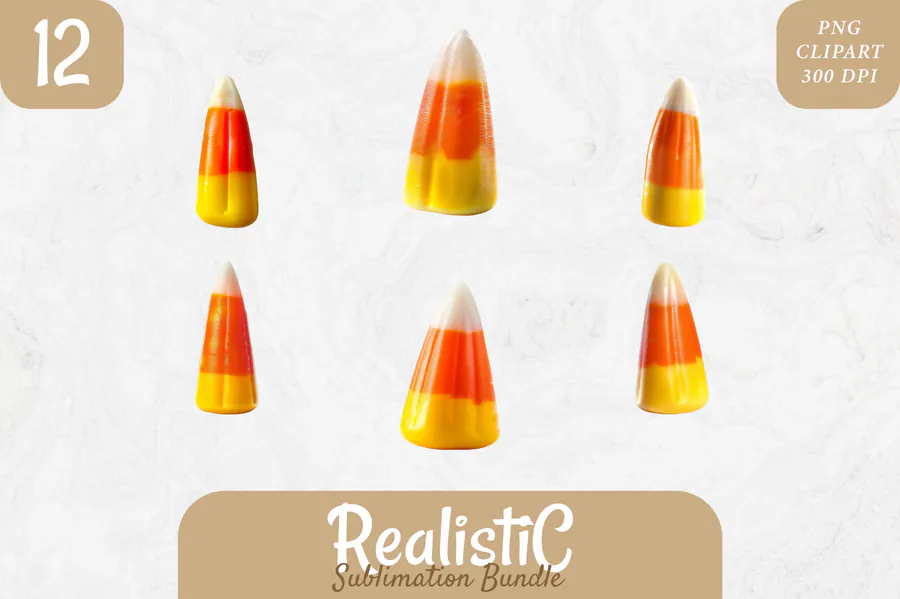
Twelve high-resolution candy-corn PNGs with transparent backgrounds for bright, playful projects.
9. Halloween Candy Sublimation Clipart
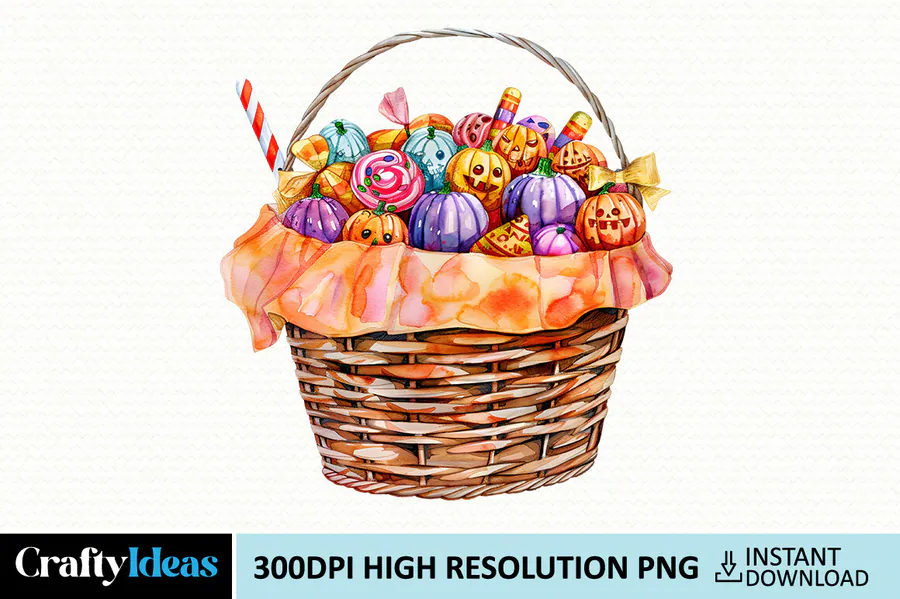
A transparent watercolor candy illustration for mugs, shirts, pillows and cards.
10. Watercolor Halloween Candy Clipart
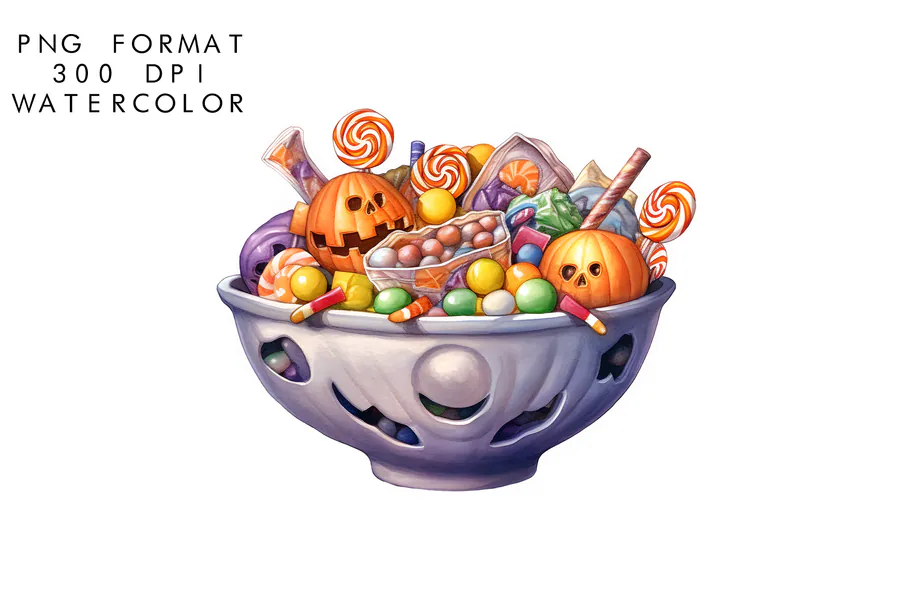
A high-resolution watercolor sweet for softer invitations, mugs and gift projects.
How to Choose a Halloween Candy PNG
- Use one bold candy character for a small blank and a mixed treat bundle for a large tote or shirt front.
- Check that transparent backgrounds are included if you want to add a child’s name or a short phrase.
- Choose high-contrast color on white or light blanks so small wrappers, sprinkles and candy details stay clear.
- For treat bags, measure the flat printable panel before sizing the artwork.
How to Download, Personalize & Press Candy Artwork
Extract the PNG files, place the chosen candy artwork inside the measured print area and add personalization only when the layout remains uncluttered. Mirror text when your printer workflow requires it, secure the transfer with heat tape, and press according to the blank manufacturer’s guidance. Test bright oranges and yellows before making a full batch.
Affiliate disclosure: This post contains affiliate links. If you buy through them, we may earn a small commission at no extra cost to you.
Frequently Asked Questions
What is the best blank for candy designs?
Trick-or-treat totes, children’s polyester shirts, white mugs, pillow panels and coated ornaments all work well.
Can I add a child’s name?
Yes. Use a transparent PNG, choose a simple font and keep the name large enough to read beside the candy artwork.
Why should I test orange and yellow first?
Color can shift between screen, printer and pressed blank. A small swatch helps you adjust the profile before producing several items.
Are candy clipart bundles useful for stickers too?
Yes, especially when the bundle includes separate transparent PNG elements that can be arranged and printed individually.
Make This Halloween Extra Sweet
Choose a candy design, personalize it if you like and turn a plain tote, shirt or mug into a cheerful trick-or-treat favorite. Open any Get this design button above to see the files.