10 Retro Halloween Sublimation PNG Bundles for Nostalgic Spooky Crafts (2026)
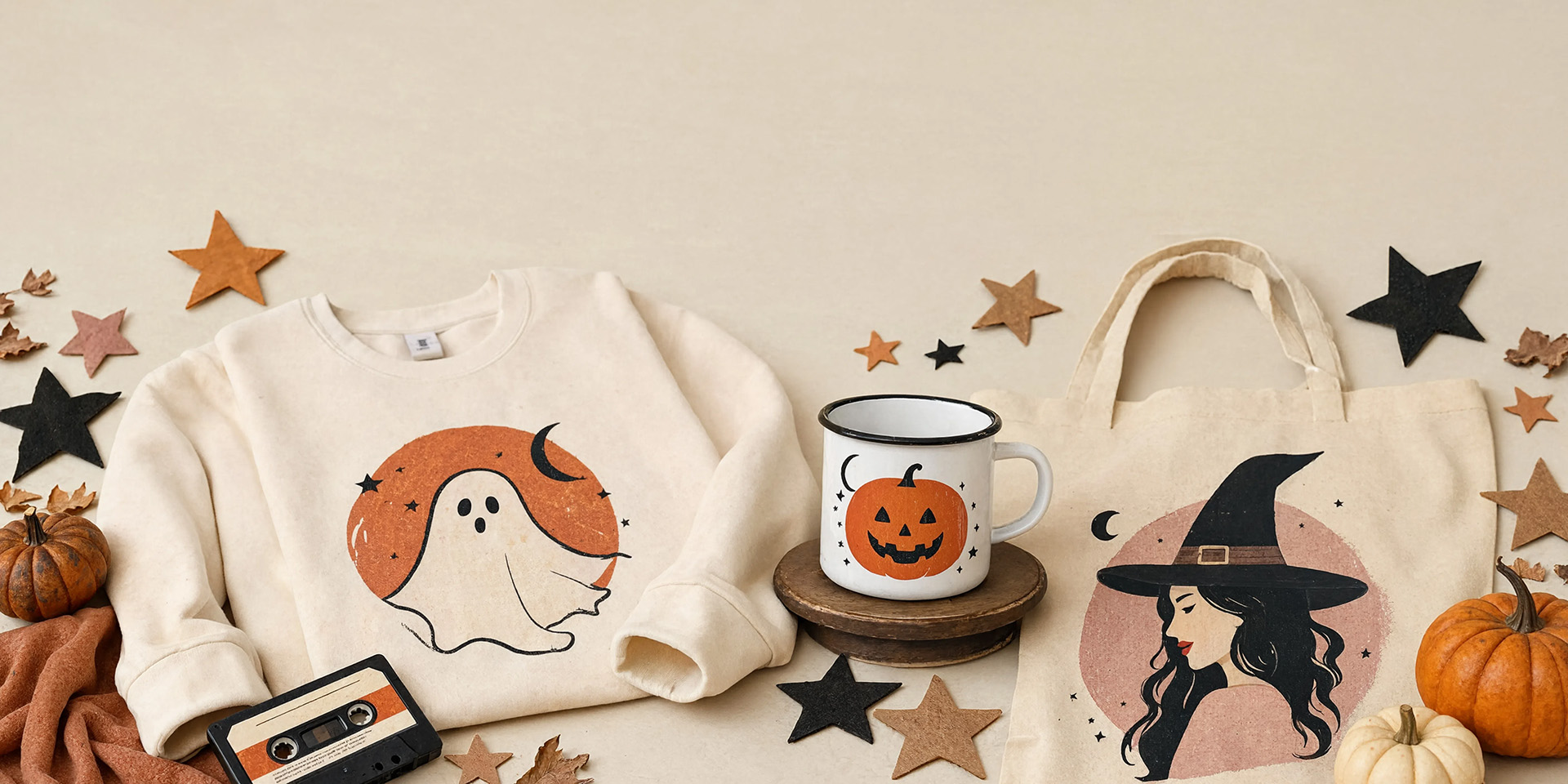
Want a Halloween project that looks polished without drawing every detail yourself? These retro Halloween sublimation PNG files give you crisp, ready-to-press artwork for shirts, mugs, totes, pillows and handmade gifts.
| Design | Includes | Best for |
|---|---|---|
| 1. Retro Halloween Sublimation PNG Bundle | 9 PNGs | Shirts, bags, mugs |
| 2. Halloween PNG Bundle — Sublimation PNGs | 32 PNGs | Nostalgic shirt graphics |
| 3. Halloween Sublimation Bundle — Vintage Mix | 18 designs | Vintage shirts, pillows |
| 4. Retro Halloween Sublimation Bundle PNG | 60 PNGs | Bold nostalgic color |
| 5. Spooky Groovy Sublimation | 1 design | 1970s groovy style |
| 6. Vintage Halloween Sublimation Bundle — 8 PNG | 8 PNGs | Shirts, bags, pillows |
| 7. Vintage Halloween Sublimation Bundle — 16 PNG | 16 designs | Solid or distressed looks |
| 8. Retro Groovy Halloween PNG Sublimation | 2 PNGs | High-visibility apparel |
| 9. Vintage Halloween Sublimation Bundle — Classic Quotes | Quote collection | Classic seasonal sayings |
| 10. Cute Halloween Sublimation Design Bundle | 9 designs | Groovy Halloween phrases |
Why Retro Halloween Artwork Feels Fresh Again
Retro Halloween designs combine familiar seasonal icons with faded inks, groovy lettering and nostalgic color palettes. They create the charm of a thrifted holiday find without the hunt, and they pair beautifully with cream, sand, light gray and pastel polyester blanks for shirts, totes, mugs and cushions.
10 Retro & Vintage Halloween Designs to Download Today
1. Retro Halloween Sublimation PNG Bundle
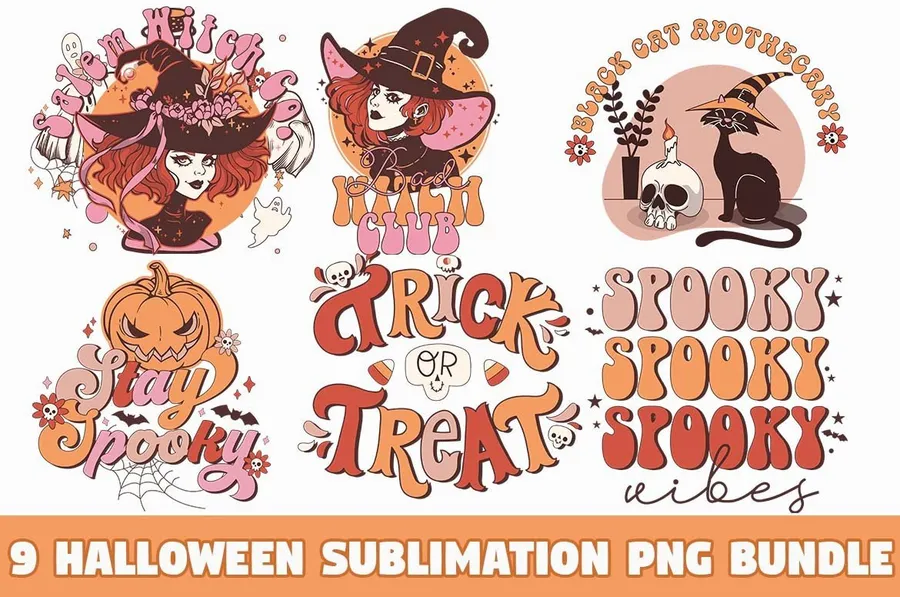
Nine transparent 300 DPI PNG designs give this retro Halloween set room for coordinated shirts, bags, mugs and stickers. Check each design against the blank and make a proof before producing the full set.
2. Halloween PNG Bundle — Sublimation PNGs
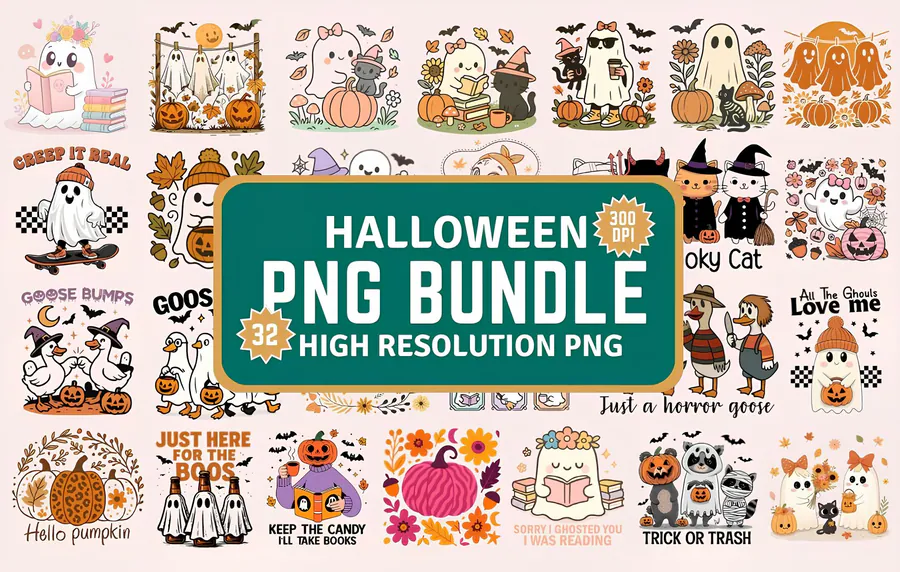
Thirty-two transparent files mixing retro ghosts, pumpkins and nostalgic shirt-ready graphics.
3. Halloween Sublimation Bundle — Vintage Mix
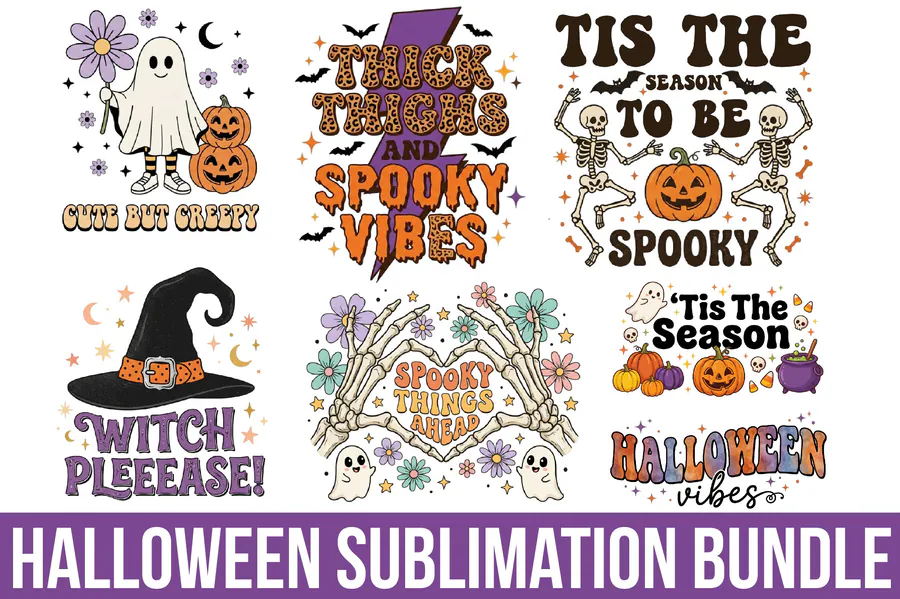
Eighteen 300-DPI designs for vintage-inspired shirts, pillows, bags and mugs.
4. Retro Halloween Sublimation Bundle PNG
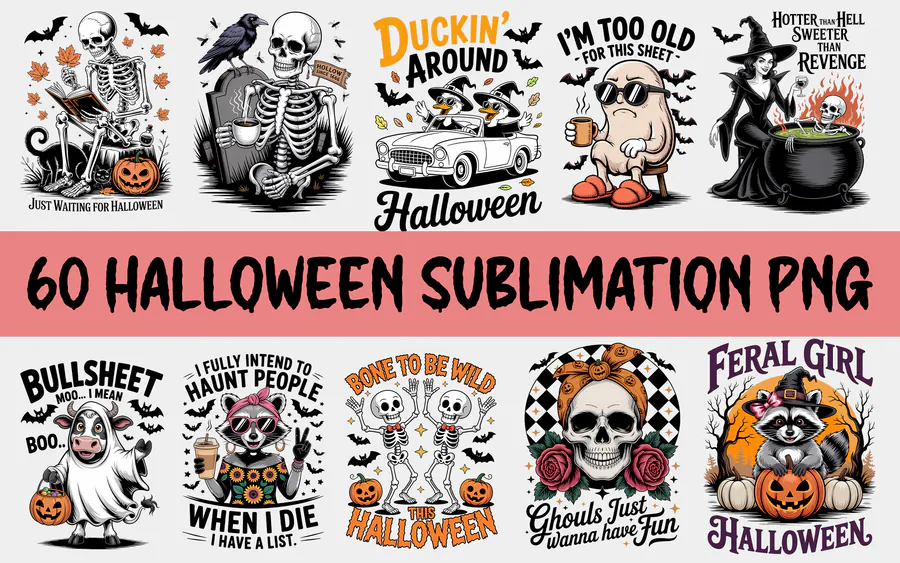
A large 60-file bundle with transparent backgrounds and bold nostalgic color.
5. Spooky Groovy Sublimation
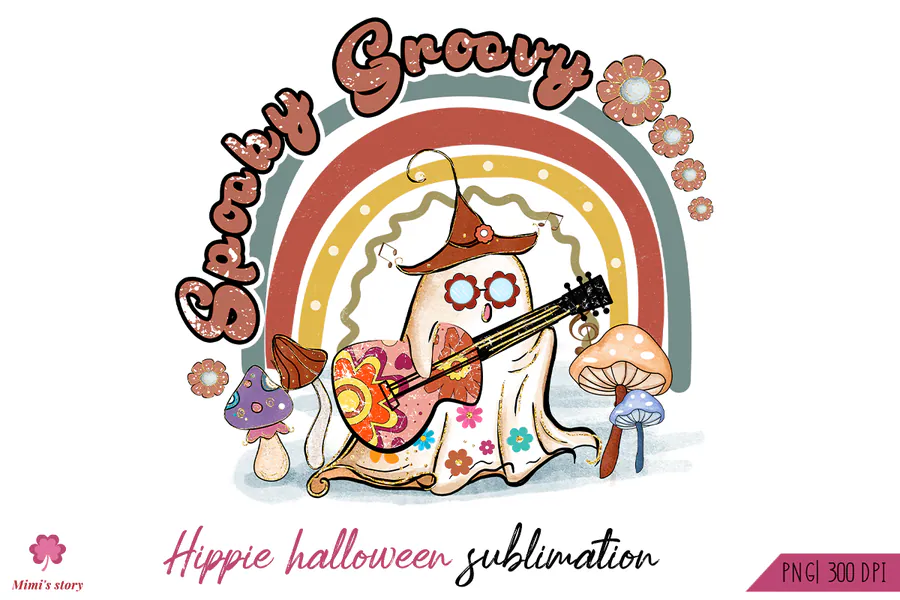
A bright groovy ghost design that brings 1970s-style flowers and playful energy to Halloween.
6. Vintage Halloween Sublimation Bundle — 8 PNG
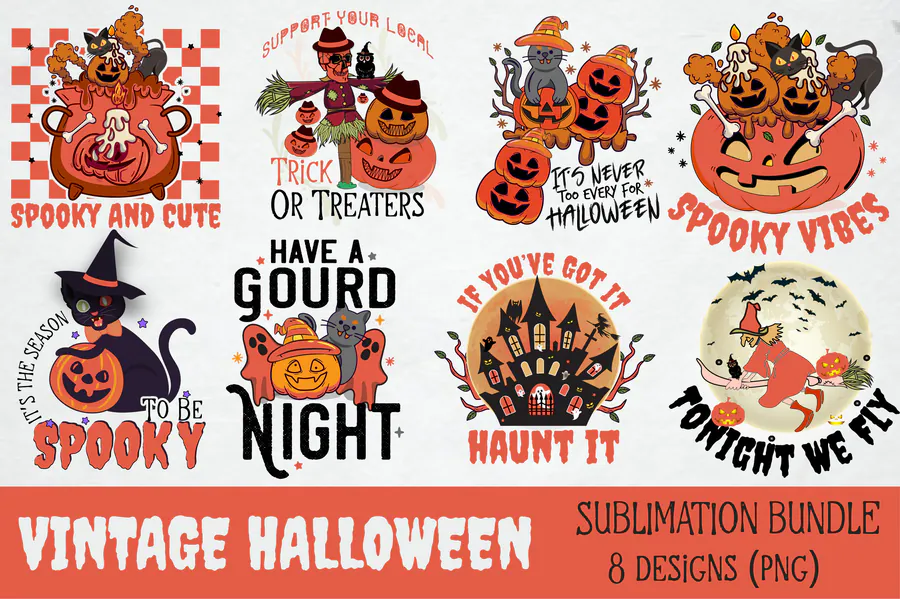
Eight solid-color vintage files sized generously for shirts, bags, mugs and pillows.
7. Vintage Halloween Sublimation Bundle — 16 PNG
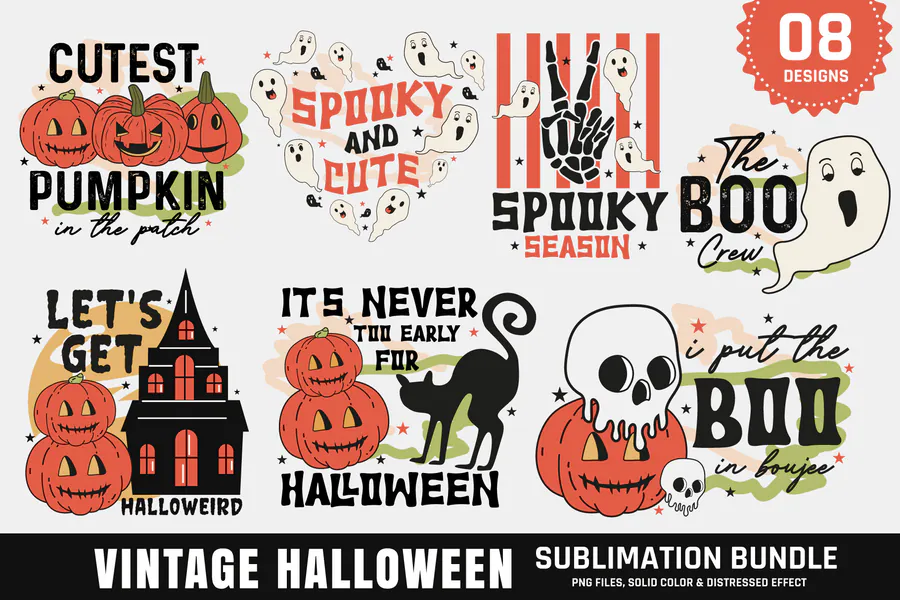
Sixteen designs supplied in solid and distressed effects for flexible vintage styling.
8. Retro Groovy Halloween PNG Sublimation
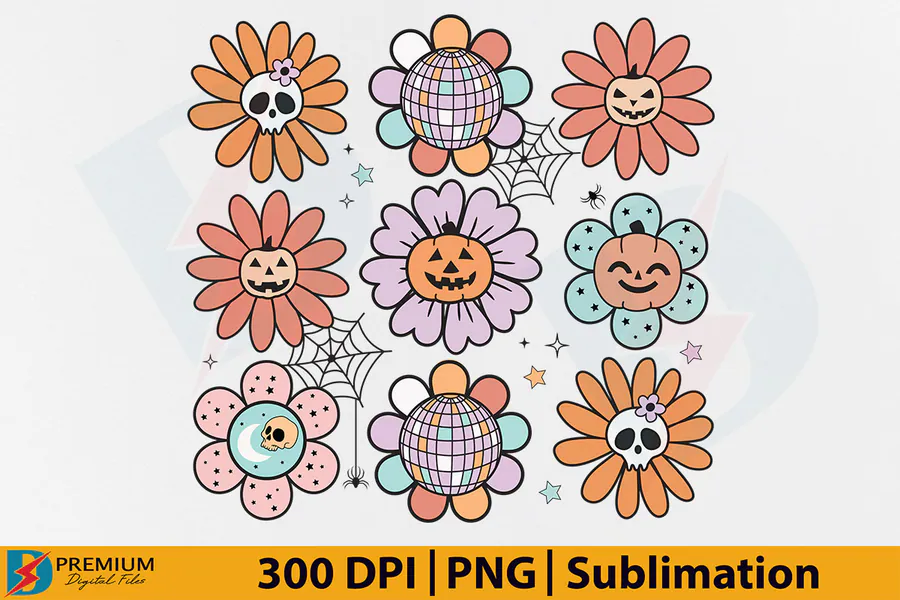
Two high-resolution retro files designed for strong visibility on apparel and accessories.
9. Vintage Halloween Sublimation Bundle — Classic Quotes
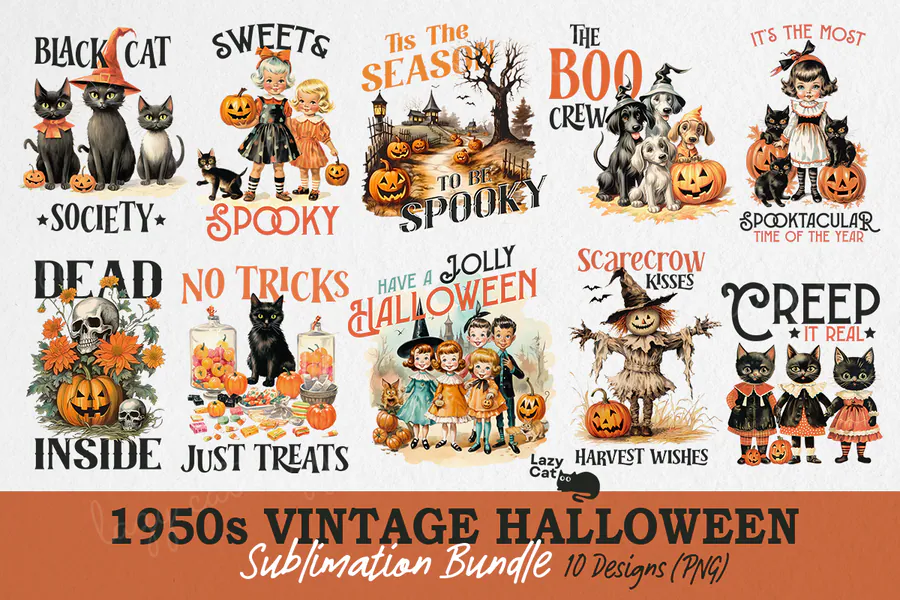
A nostalgic collection combining ghosts, witches, black cats and familiar seasonal sayings.
10. Cute Halloween Sublimation Design Bundle
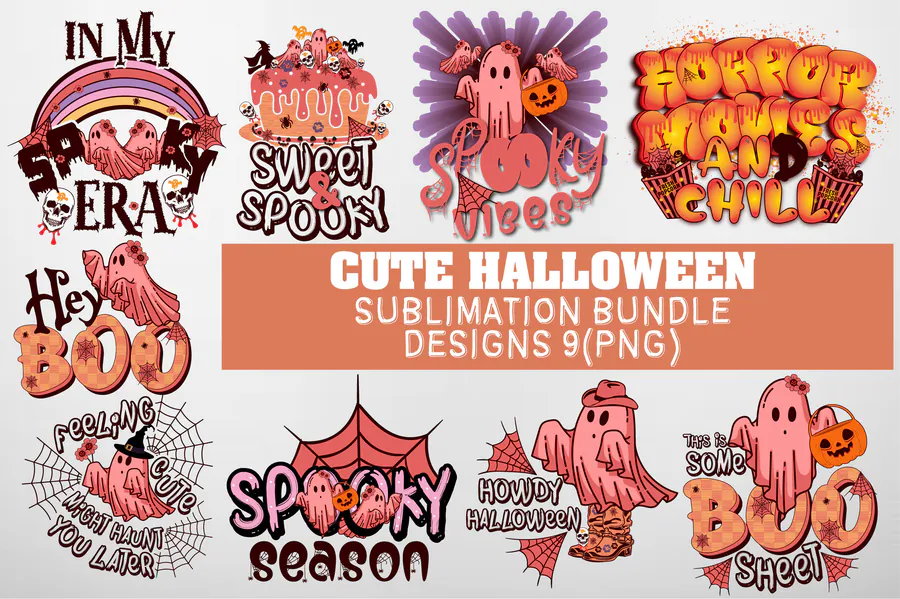
Nine cute retro designs featuring ghosts, pumpkins and groovy Halloween phrases.
👉 👉 Love these? Browse the full Retro Halloween bundle collection for more ready-to-press options.
How to Choose Retro Halloween Sublimation Art
- Choose a decade-inspired palette—muted 1950s orange, 1970s groovy brights or 1990s neon—before selecting your blank.
- Distressed textures look intentional on apparel but may lose clarity when reduced for small accessories.
- Use cream or light heather blanks to reinforce a vintage mood while keeping sublimation colors visible.
- Select bundles with several coordinating icons if you want a matched set of gifts or party items.
How to Press a Convincing Vintage-Style Design
Open the transparent PNG, size it without changing its proportions and print a small proof to check that the distressed texture is intentional rather than a printer issue. Mirror as required, lint-roll fabric blanks and use protective paper above and below the transfer. Press according to the blank instructions; avoid overpressing, which can muddy the muted vintage palette.
Affiliate disclosure: This post contains affiliate links. If you buy through them, we may earn a small commission at no extra cost to you.
Frequently Asked Questions
What file type should I use for sublimation?
Use the high-resolution PNG supplied with the design. A transparent background is usually easiest for placing artwork on different blanks.
Is 300 DPI enough for a clean print?
Yes. A 300-DPI file printed near its intended dimensions should produce crisp detail. Avoid enlarging a small file far beyond its original pixel size.
Can I sublimate these designs onto dark cotton shirts?
Standard sublimation ink is transparent and bonds best to white or light polyester. Dark cotton requires a compatible specialty transfer material or coated layer.
Can I make finished gifts with the downloaded artwork?
Most listings include personal and commercial-use terms, but license details can vary. Review the license shown on the product page before making or distributing finished items.
Ready to Make Something Spooky?
Pick a retro palette you love, download the artwork and create a Halloween piece that already feels like a favorite. Tap any Get this design button above to get started.