10 Gothic Halloween Sublimation PNG Designs for Dark & Dramatic Crafts (2026)
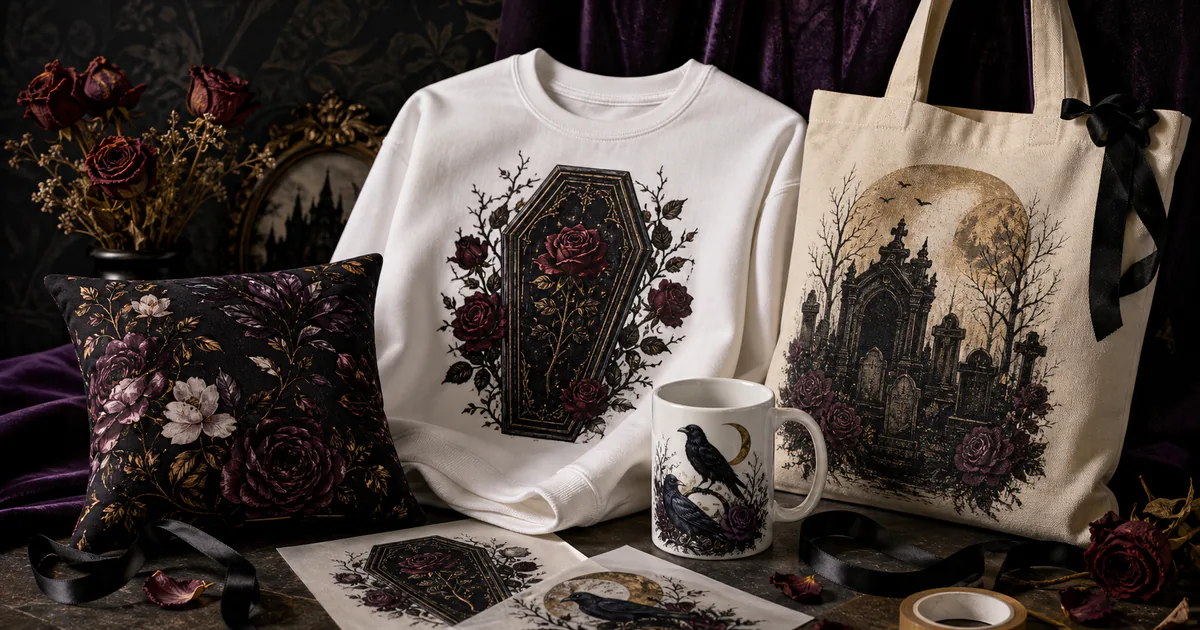
A gothic Halloween sublimation PNG brings coffins, Victorian ornament, dark florals and antique atmosphere to shirts, mugs, totes and home decor. These ten designs and bundles place the strongest public favorites and reviewed collections first.
| Design | Includes | Best for |
|---|---|---|
| 1. Gothic Halloween Sublimation Bundle | 12 designs | Dramatic shirts, pillows |
| 2. Gothic Halloween Bundle | 21 designs | Varied dark collections |
| 3. Gothic Halloween Watercolor Bundle | 39 elements | Layered atmospheric scenes |
| 4. Dark Gothic & Halloween Bundle | 7 PNGs | Shirts, mugs, home decor |
| 5. 30 Gothic Halloween Clipart | 30 cliparts | Custom compositions |
| 6. Victorian Halloween Clipart PNG Bundle | 28 PNGs | Refined spooky apparel |
| 7. Gothic Halloween Clipart Bundle PNG | Clipart bundle | Macabre vintage motifs |
| 8. Spooky Gothic Halloween Clipart Bundle | 14 PNGs | Shirts, mugs, paper crafts |
| 9. Gothic Beach Summerween PNG Clipart | Summerween clipart | Summerween shirts, drinkware |
| 10. Halloween Watercolor Floral Coffin PNG | 10 designs | Totes, pillows, wall decor |
Why Gothic Halloween Designs Feel Rich and Layered
Dark florals, ravens, graveyard shapes and antique borders create depth without requiring a literal horror character. Large bundles offer separate elements for custom layouts, while finished compositions make dramatic apparel and drinkware faster to produce.
10 Gothic Halloween Sublimation PNG Designs to Download
1. Gothic Halloween Sublimation Bundle
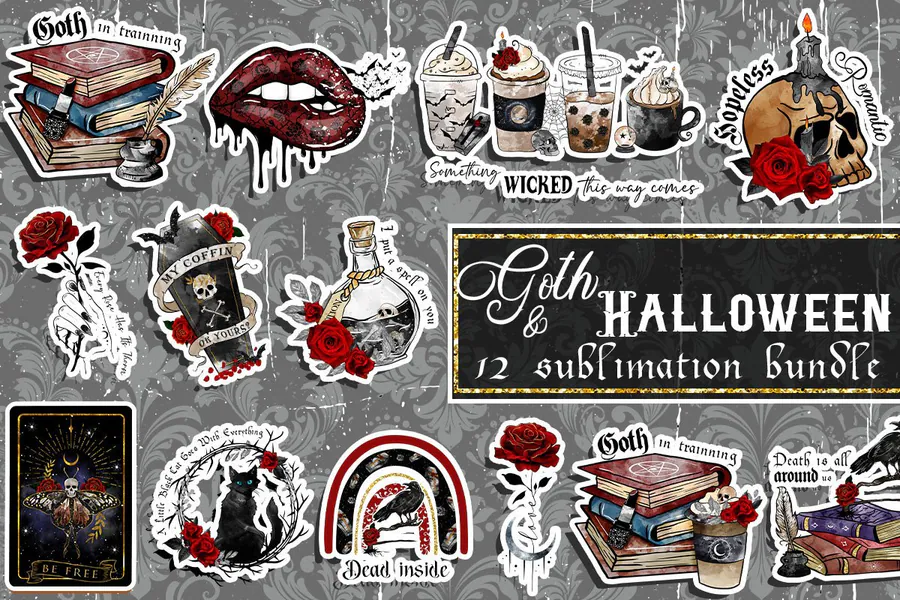
Twelve richly detailed gothic designs for dramatic shirts, tumblers, pillows and dark seasonal decor.
2. Gothic Halloween Bundle
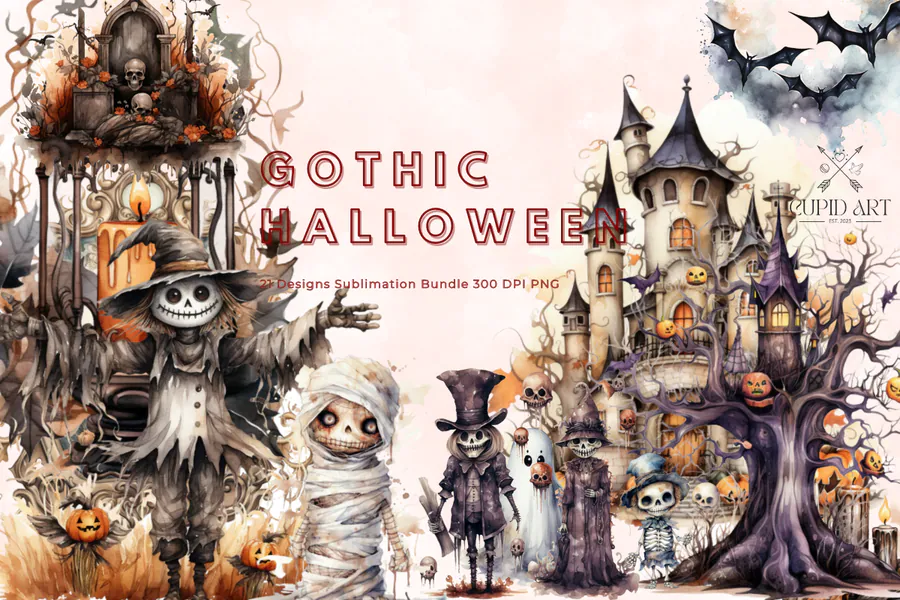
Twenty-one coordinated gothic compositions for building a varied dark Halloween product collection.
3. Gothic Halloween Watercolor Bundle
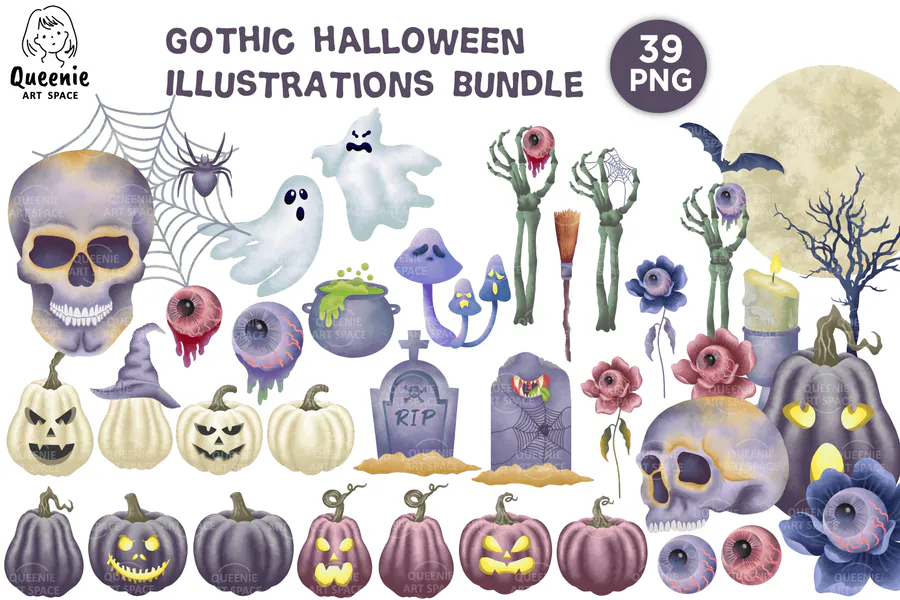
Thirty-nine moody watercolor elements for layered coffins, florals, graveyards and atmospheric craft scenes.
4. Dark Gothic & Halloween Bundle
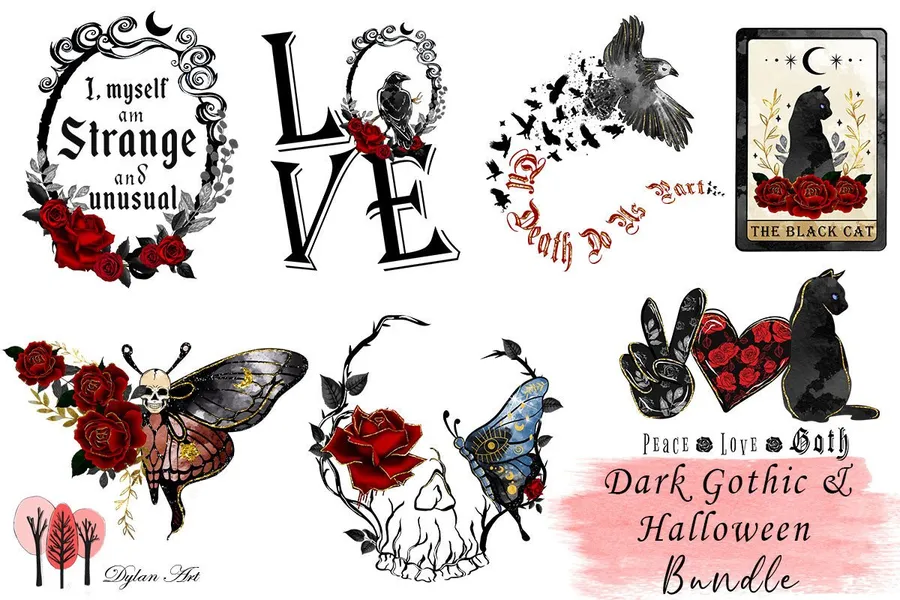
Seven dark gothic PNG designs bring a dramatic Halloween look to shirts, mugs, stickers and home décor. Check the 4000 × 4000 pixel artwork against your blank and make a proof before printing a set.
5. 30 Gothic Halloween Clipart
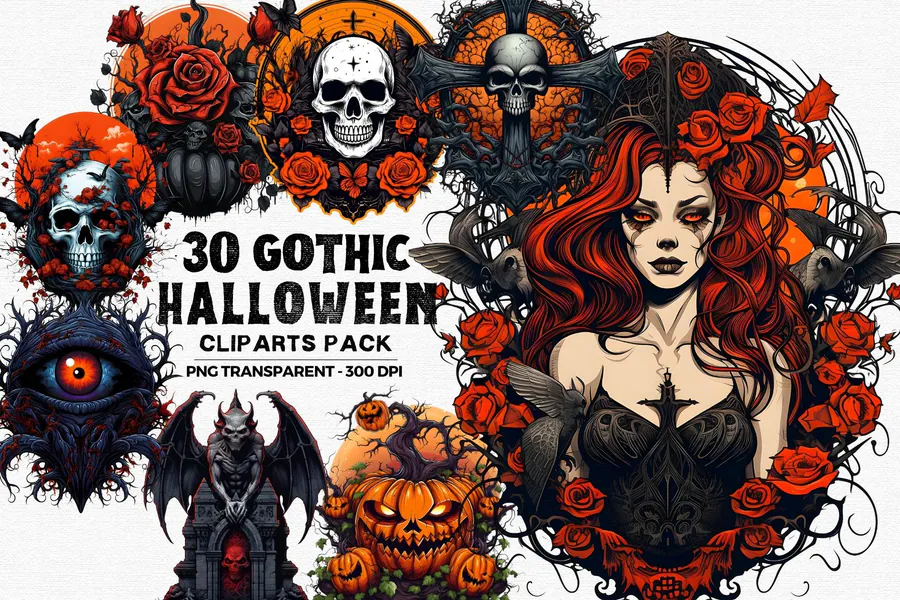
Thirty transparent gothic cliparts for custom compositions, stickers, cards and sublimated accessories.
6. Victorian Halloween Clipart PNG Bundle
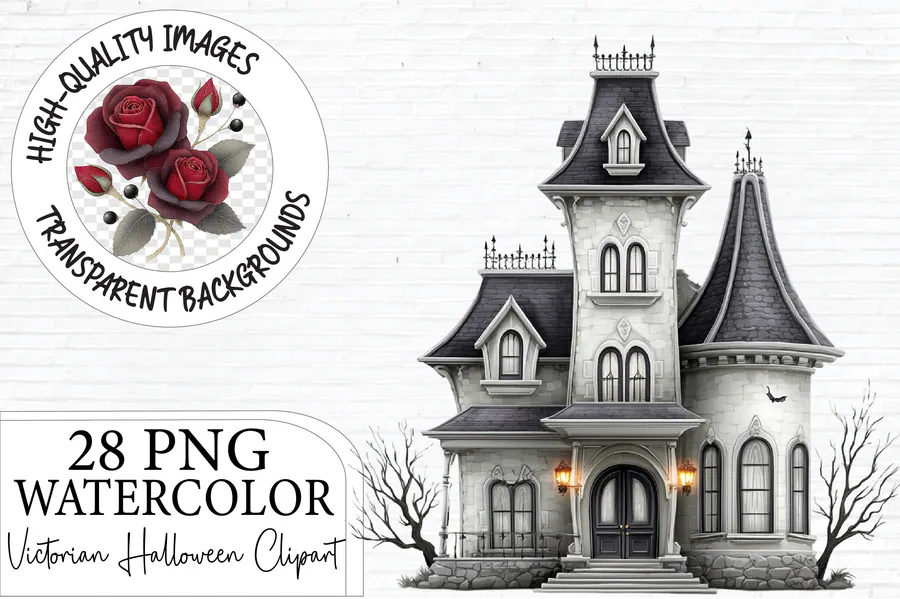
Twenty-eight Victorian-style PNGs for refined spooky apparel, wall pieces, totes and paper crafts.
7. Gothic Halloween Clipart Bundle PNG
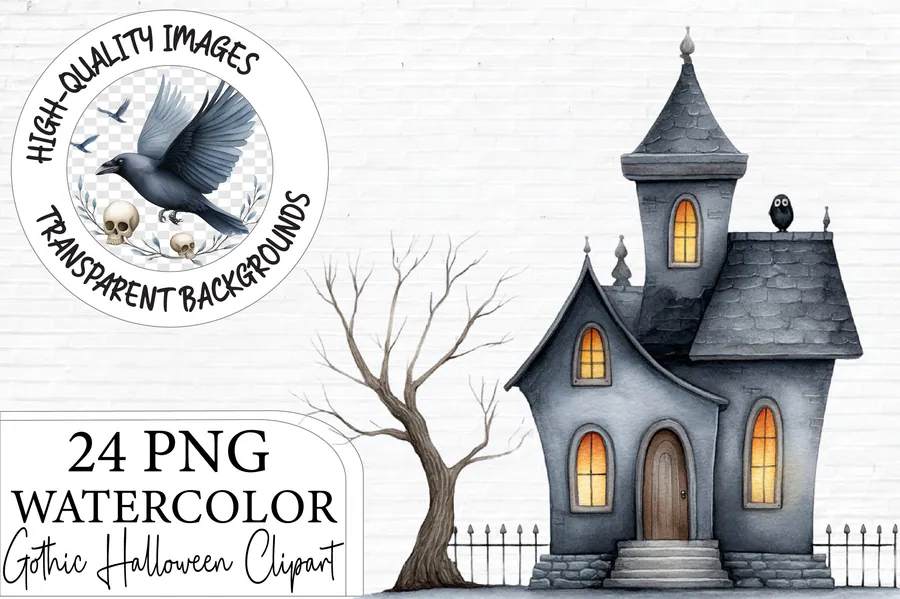
A dark decorative clipart bundle for mixing florals, macabre accents and vintage Halloween motifs.
8. Spooky Gothic Halloween Clipart Bundle
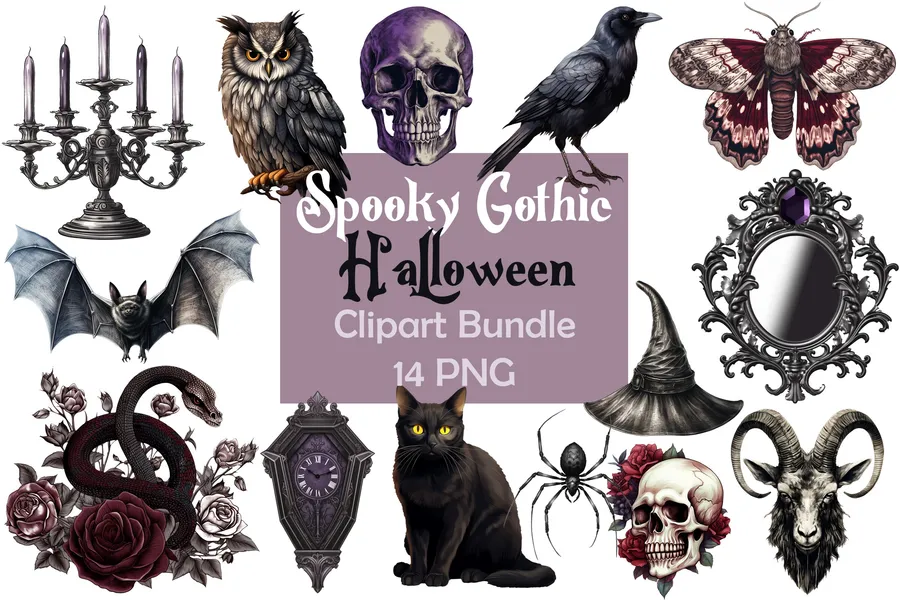
Fourteen transparent 300 DPI PNG illustrations offer gothic Halloween details for shirts, mugs, stickers and paper crafts. Check fine lines at the intended print size and make a proof before producing a set.
9. Gothic Beach Summerween PNG Clipart
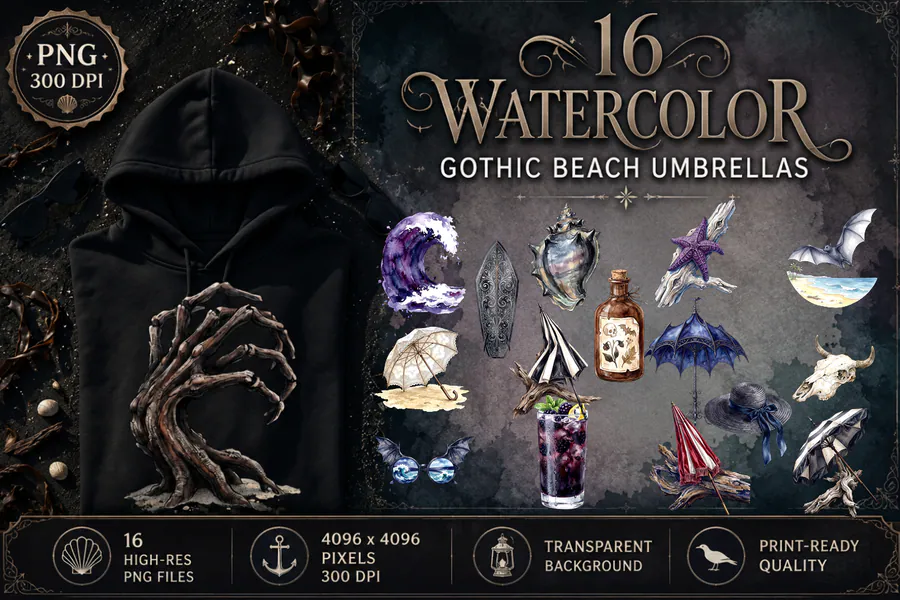
A playful Summerween crossover with gothic beach energy for seasonal shirts and drinkware.
10. Halloween Watercolor Floral Coffin PNG
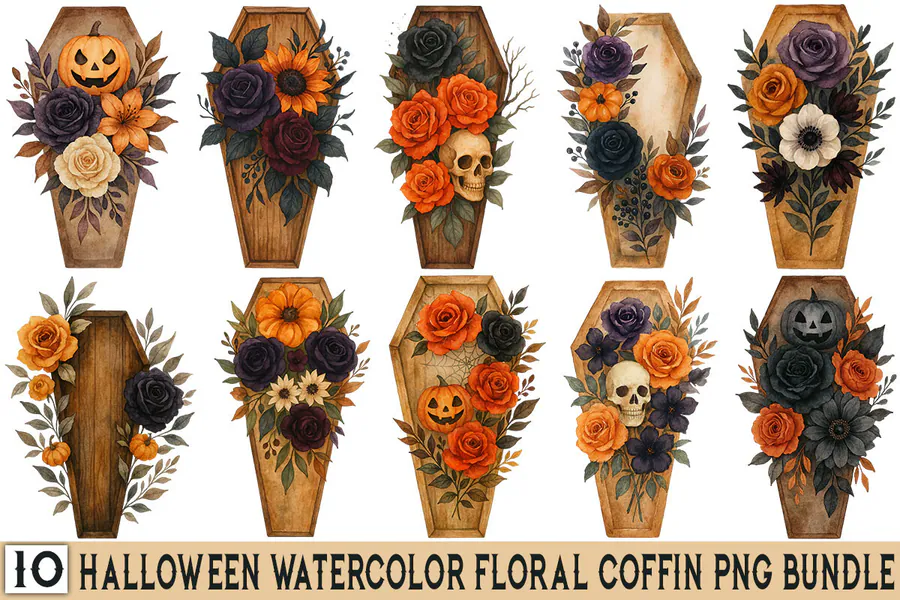
Ten watercolor floral coffin designs for sophisticated shirts, tote bags, pillows and wall decor.
👉 👉 Love these? Browse the full gothic Halloween collection for more ready-to-press options.
How to Choose Gothic Halloween Artwork
- Match the contrast to the blank and remember that standard sublimation ink is transparent on dark fabric.
- Choose separate clipart when you want to layer coffins, florals, ravens and frames into a custom composition.
- Inspect fine Victorian linework and watercolor edges at the final print size before production.
- Use larger reviewed bundles for variety, but prefer a single strong composition when speed matters.
How to Test & Press Dark Gothic Artwork
Extract the high-resolution PNG and place it on a white or light polyester blank unless you are using a compatible transfer layer. Keep the original proportions, mirror when required, and test charcoal, oxblood and purple tones before a full run. Use the blank manufacturer's pressing instructions and protect delicate watercolor edges from excessive resizing.
Affiliate disclosure: This post contains affiliate links. If you buy through them, we may earn a small commission at no extra cost to you.
Frequently Asked Questions
Can gothic artwork be sublimated on black fabric?
Not directly with standard sublimation ink. Use a compatible light transfer layer or choose a light polyester blank.
Which motifs work best on mugs?
Compact coffins, floral frames, ravens and moon compositions usually read more clearly than wide multi-scene layouts.
Are watercolor edges suitable for sublimation?
Yes. Start with the high-resolution transparent file and avoid enlarging it beyond its intended dimensions.
Should I use a clipart set or finished design?
Choose clipart for custom layering and a finished composition when you want a faster press-ready project.
Give Your Halloween Crafts a Darker Edge
Choose an antique, watercolor or Victorian direction, then repeat the palette across apparel and decor. Use a Get this design button to inspect each option.