10 Floral Phone Case Sublimation Ideas for Botanical Style (2026)
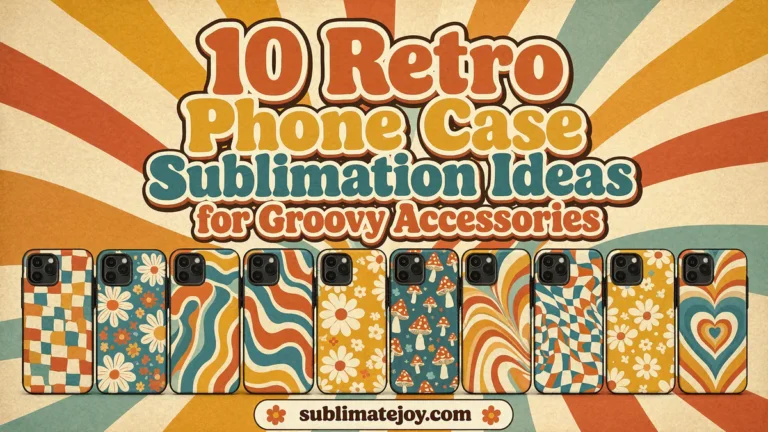
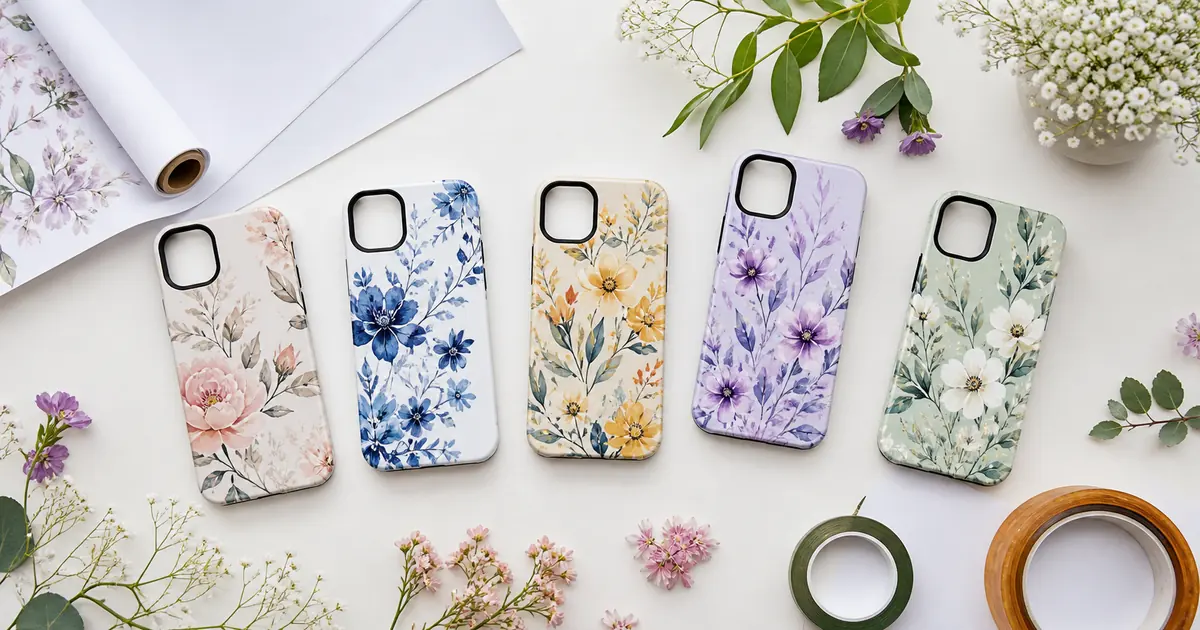
Floral phone case sublimation ideas range from soft cottage blossoms to saturated garden prints, making them useful for everyday accessories and personalized gifts. These ten verified files follow the current popularity order while varying color, flower scale and visual density so you can choose a design that fits the recipient and the exact case blank.
| Design | Includes | Best for |
|---|---|---|
| 1. Pink Daisy Field Phone Case | 1 PNG, 9 × 14 in | Dense pink floral styling |
| 2. Hummingbird Garden Phone Case | 1 PNG, 9 × 14 in | Bird and flower phone gifts |
| 3. Lavender Wildflower Phone Case | 1 PNG, 9 × 14 in | Purple botanical accessories |
| 4. Green Meadow Blossom Phone Case | 1 PNG, 9 × 14 in | Green meadow phone cases |
| 5. Rust Wildflower Phone Case | 1 PNG, 9 × 14 in | Warm earth-tone floral gifts |
| 6. Cream Micro-Floral Phone Case | 1 PNG, 9 × 14 in | Light vintage floral styling |
| 7. Sunset Confetti Flower Phone Case | 1 PNG, 9 × 14 in | Colorful summer flower cases |
| 8. Plum Tiny Blossom Phone Case | 1 PNG, 9 × 14 in | Muted mauve floral gifts |
| 9. Pink Cottage Floral Phone Case | 1 PNG, 9 × 14 in | Soft cottage flower accessories |
| 10. Olive Wildflower Phone Case | 1 PNG, 9 × 14 in | Olive and cream botanical cases |
Why Floral Phone Case Designs Work So Well
Botanical patterns can cover a tall, narrow case without depending on a single centered phrase. Small repeats disguise minor cropping differences, while larger flowers or birds create a clear focal point when the camera opening changes the usable area.
10 floral phone case sublimation Designs to Download
1. Pink Daisy Field Phone Case
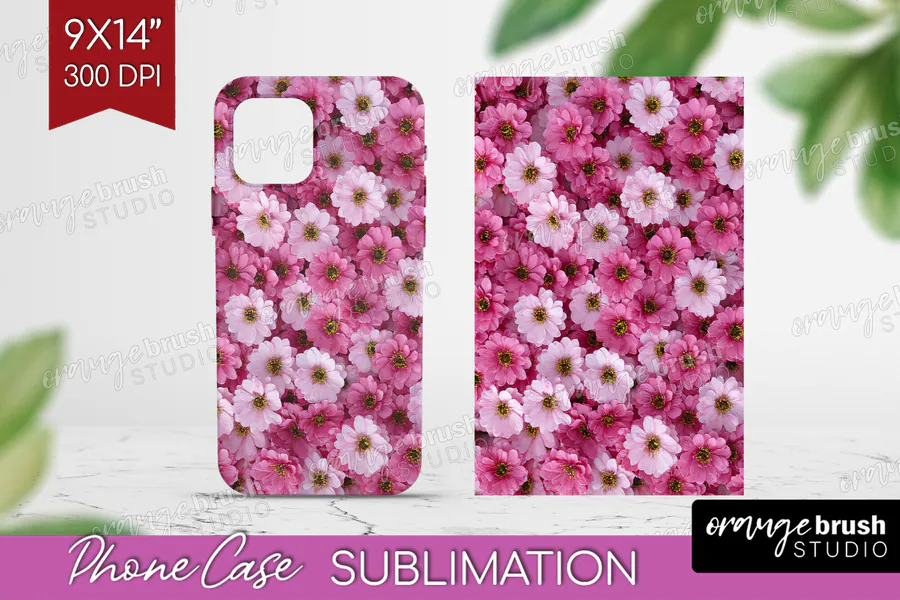
Dense layers of pink and white daisy-like flowers fill the design, leaving very little background visible. One PNG is included at 300 DPI with a 9-by-14-inch canvas, making a lush floral phone-case print for someone who wants an abundance of pink blooms.
2. Hummingbird Garden Phone Case
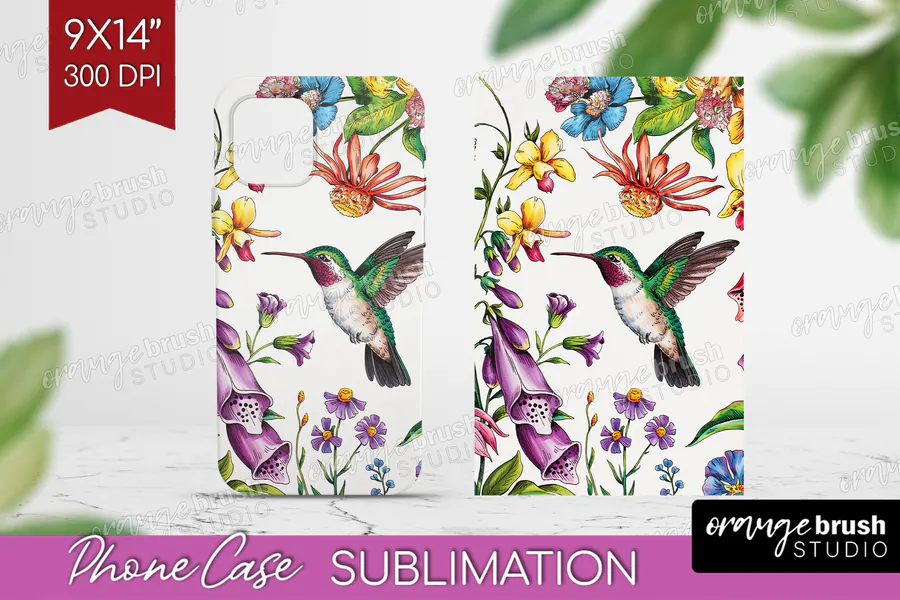
A green hummingbird hovers among purple, yellow, red, and blue flowers on a light background. The single phone-case PNG measures 9 by 14 inches at 300 DPI and offers a clear bird focal point for a garden-inspired accessory.
3. Lavender Wildflower Phone Case
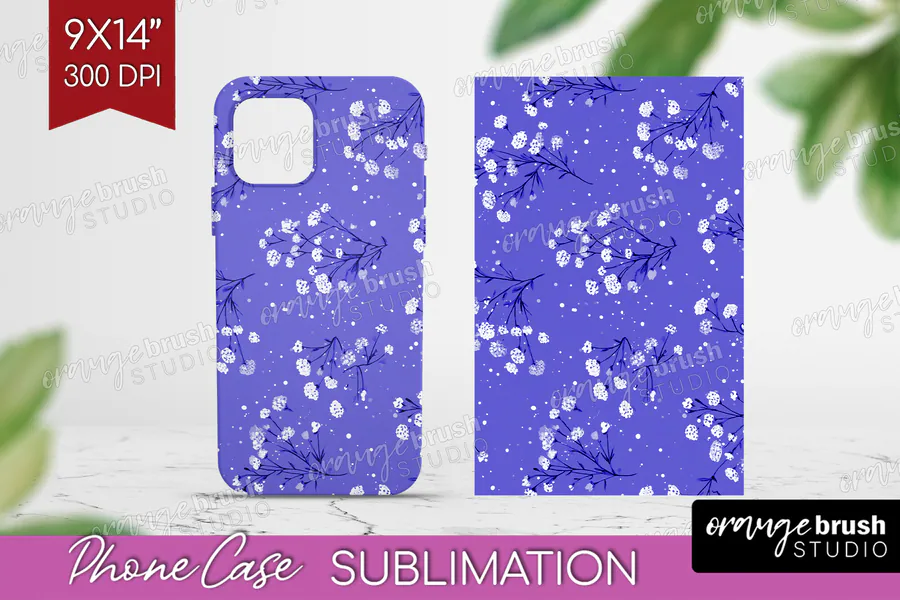
Small white flowers and dark branching stems scatter over a vivid lavender-purple ground. This one-file design is supplied as a 300-DPI PNG in a 9-by-14-inch print size, suited to a phone case with a cool-toned botanical pattern.
4. Green Meadow Blossom Phone Case
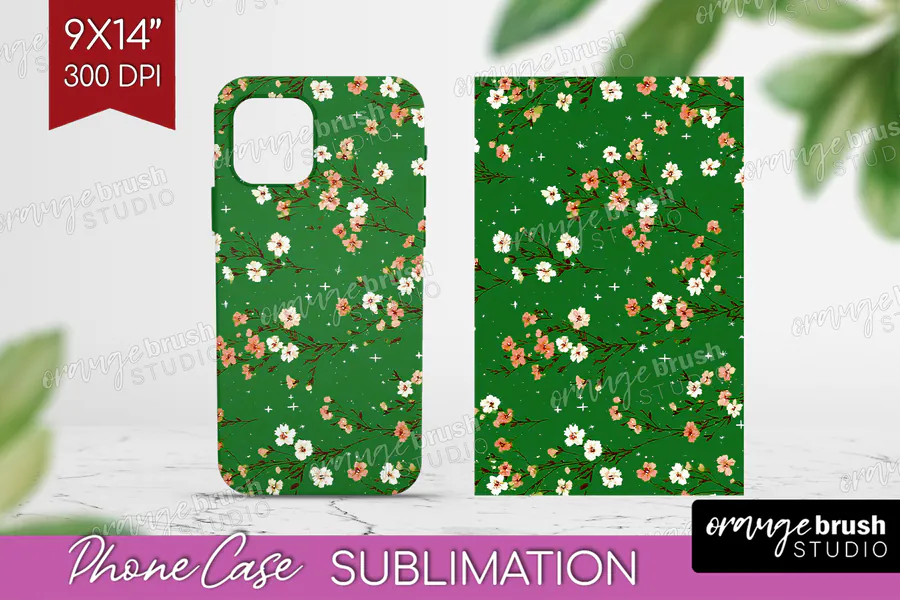
Tiny cream and coral blossoms sit on a rich green background, with delicate foliage between them. You receive one 9-by-14-inch PNG at 300 DPI for a meadow-colored phone-case insert that combines a strong green base with small floral details.
5. Rust Wildflower Phone Case
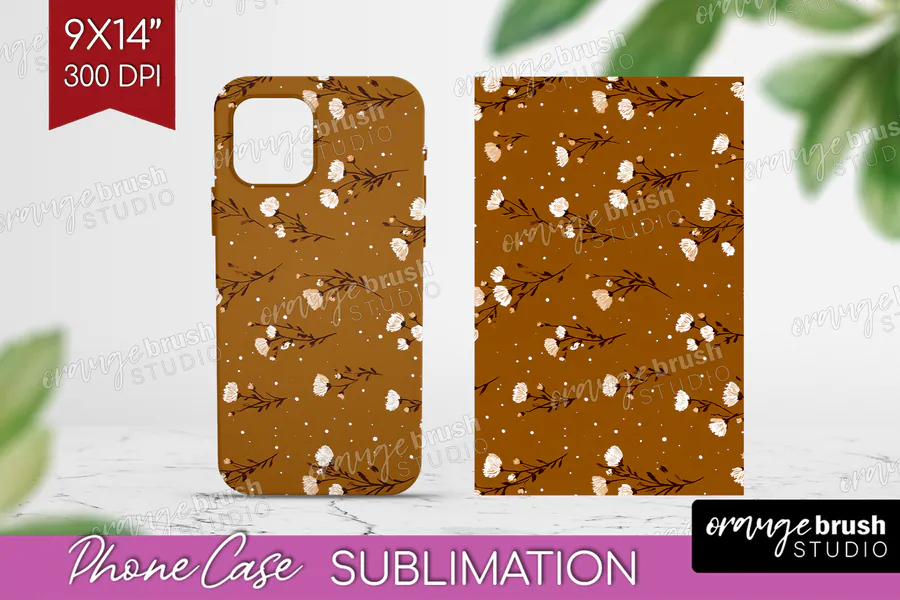
White buds and fine dark twigs contrast with a warm ochre-brown ground in this restrained floral print. The PNG artwork comes at 300 DPI as one 9-by-14-inch design, giving a phone accessory a warm, earthy alternative to pastel florals.
6. Cream Micro-Floral Phone Case
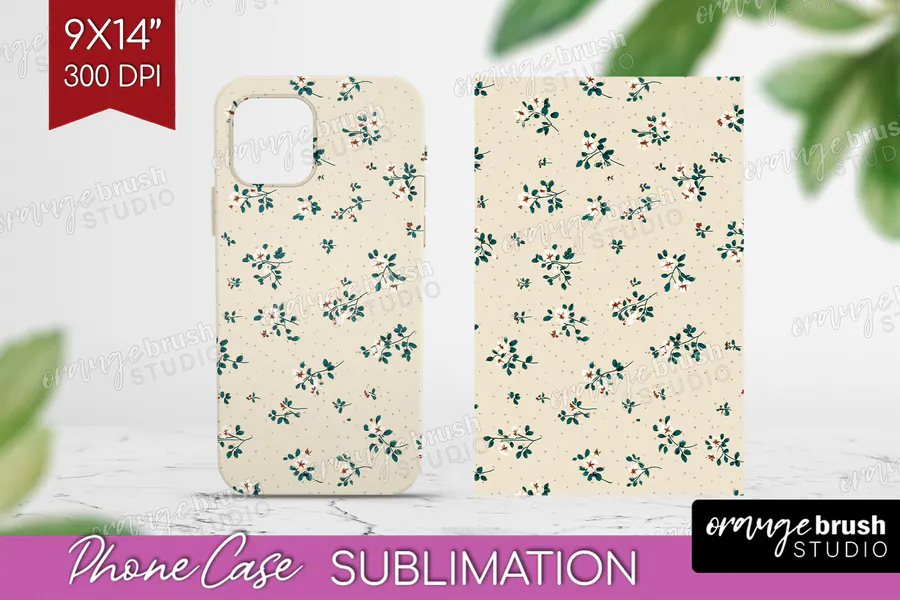
Small green sprigs with pale pink flowers are spaced across a softly textured cream background. This single PNG has a 9-by-14-inch source canvas and 300-DPI resolution, well suited to a light phone-case design with a delicate vintage-fabric feel.
7. Sunset Confetti Flower Phone Case
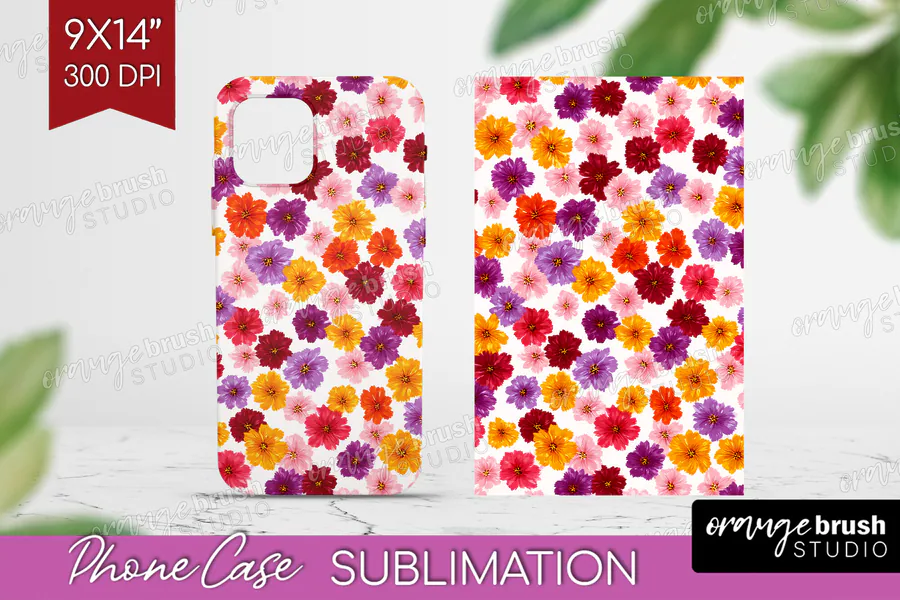
Red, orange, yellow, pink, and purple blooms form a bright scattered pattern on white. One 300-DPI PNG is supplied with a 9-by-14-inch print area for a cheerful phone-case panel where colorful flowers provide the main decoration.
8. Plum Tiny Blossom Phone Case
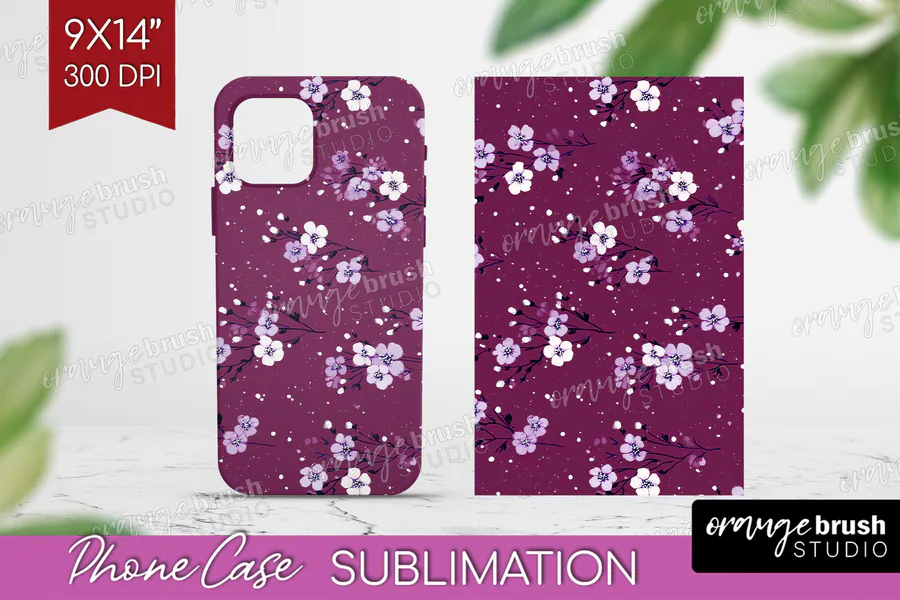
Clusters of little white blossoms spread over a muted mauve ground, with fine pale stems and dots. The downloadable phone-case design is one PNG at 300 DPI, sized 9 by 14 inches, for a quieter floral accessory in soft plum tones.
9. Pink Cottage Floral Phone Case
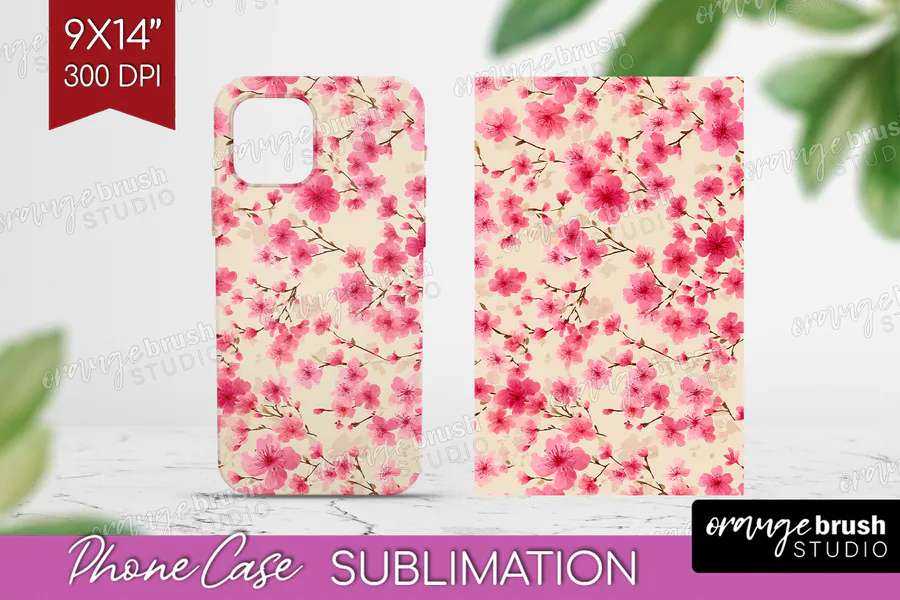
Soft pink blossoms follow slender green branches across a pale cream base, creating an airy cottage-style pattern. This 300-DPI PNG is provided as a single 9-by-14-inch artwork for a phone case with gentle colors and a branch-led composition.
10. Olive Wildflower Phone Case
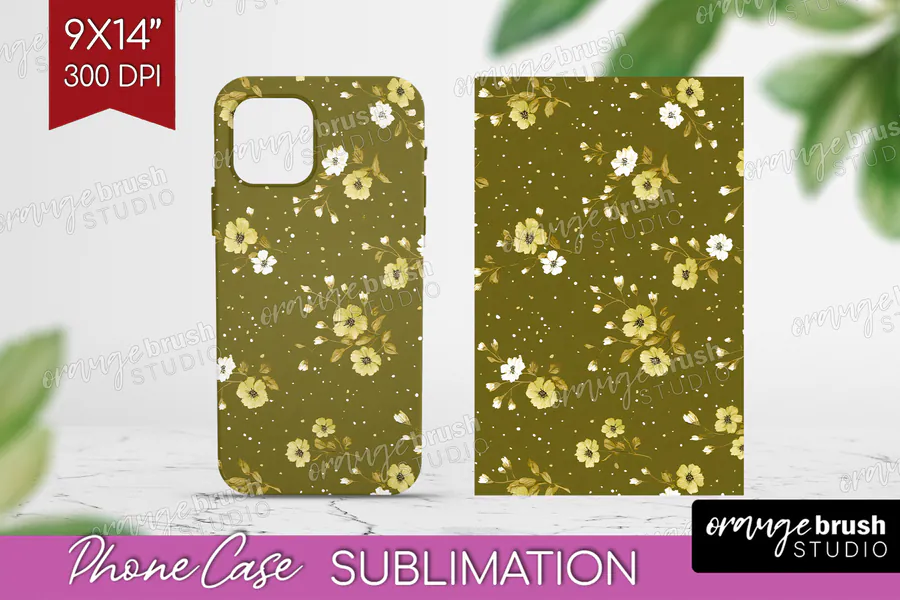
Cream and pale yellow flowers decorate an olive-green ground alongside small leaves and scattered dots. The file includes one phone-case PNG measuring 9 by 14 inches at 300 DPI, bringing a subdued botanical palette to an everyday accessory.
👉 Love these? Browse the full floral phone case collection for more botanical options.
How to Choose floral phone case sublimation Designs
- Measure the exact printable insert or coated case instead of relying on a universal phone model.
- Keep focal flowers, birds and leaves clear of the camera opening and rounded corners.
- Choose small repeats when you need flexible cropping across several case sizes.
- Use high-contrast petals and foliage when the print will be viewed on a dark edge or frame.
- Confirm that the file resolution remains sharp at the required case dimensions.
- Review the current file list and license on the product page before purchasing.
How to Size a Floral Phone Case Sublimation Design
Create a template from the blank supplier or measure the printable insert, then resize the artwork proportionally and add only the bleed the blank requires. Position the main blossoms away from the camera cutout, print a paper proof, mirror when required by your workflow and follow the blank manufacturer’s current pressing instructions.
Affiliate disclosure: This post contains affiliate links. If you purchase through them, I may earn a commission at no extra cost to you.
Frequently Asked Questions
Are phone case sublimation designs universal?
No. A large source file may be adaptable, but camera openings, corners, inserts and printable areas vary by blank and phone model. Always use the current template or measurements from the blank supplier.
What resolution should a phone case design use?
Use artwork large enough to remain sharp at the final printed dimensions. Many ready-made files are supplied at 300 DPI, but confirm the actual pixel dimensions and compare them with your exact template before printing.
Do I need to mirror a phone case sublimation print?
Many sublimation transfer workflows require mirroring, but the correct setting depends on the blank and printing method. Follow the instructions for your equipment and test with a paper proof first.
How much bleed should I add around the case design?
Use the bleed specified by the blank or insert supplier. Extend background artwork beyond the cut line, but keep faces, words and other important details inside the safe area.
Ready to Make a Botanical Phone Case?
Choose a floral scale that suits the case, check the camera crop on a paper proof, and press one test before producing a coordinated gift set.