10 Christmas Tote Bag Sublimation Designs for Gifts and Shopping
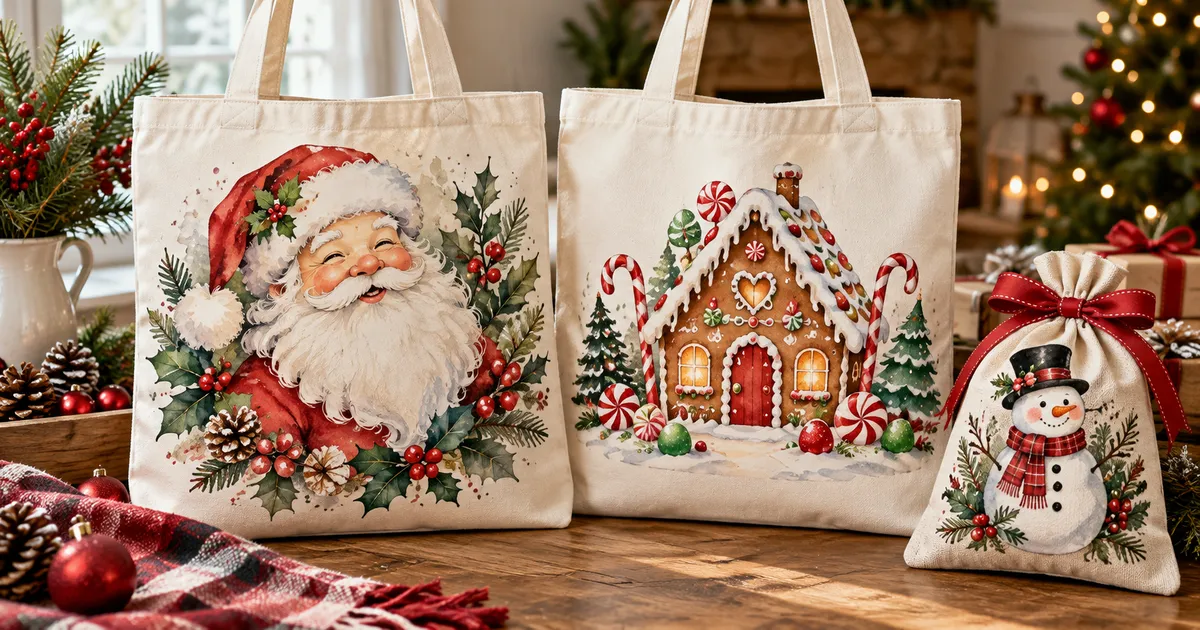
Christmas tote bag sublimation turns a practical shopping bag into a festive gift you can use throughout December. These 10 downloads range from pastel tree scenes and snowmen to coffee graphics and larger holiday bundles, with printable artwork for light sublimation-ready fabric bags.
| Design | Includes | Best for |
|---|---|---|
| 1. Christmas Gift Bag SVG | PNG + SVG + EPS | Tall gift bags |
| 2. Christmas Tree Tote Bag Design | 1 PNG, 3600 × 3600 | Pastel tree scenes |
| 3. Christmas Snowman Tote Bag Sublimation | 1 PNG, 3600 × 3600 | Snowman gift totes |
| 4. Christmas Sublimation Mega Bundle | PNG mega bundle | Mixed holiday gifts |
| 5. Christmas Sublimation Bundle | 20 PNG designs | Traditional Christmas bags |
| 6. Christmas Sublimation Bundle 20 PNG P4 | 20 PNG designs | Camper holiday gifts |
| 7. Christmas Retro Holiday Design Bundle | 37 designs, PNG + SVG | Retro holiday styles |
| 8. Christmas Coffee Sublimation Bundle | 48 PNG designs | Christmas coffee lovers |
| 9. Merry Christmas Sublimation Bundle | 24 PNG designs | Festive greeting bags |
| 10. Pink Christmas Tote Bag PNG Sublimation | 1 PNG, 12 × 12 in | Pink Christmas palettes |
Why You'll Love These Designs
A festive tote can carry wrapped presents, library books or groceries while adding a little Christmas color to an everyday errand. This selection mixes picture-led artwork with greetings, so you can choose a quiet snowy scene or a more playful message for the recipient.
Start with the size and shape of the printable panel rather than the overall bag dimensions. A square tree image suits a broad front panel, while taller gift-sack art needs more vertical space. Larger bundles offer several coordinating choices when you want different bags for friends without repeating the same design.
10 Christmas Tote Bag Sublimation Designs to Download
1. Christmas Gift Bag SVG
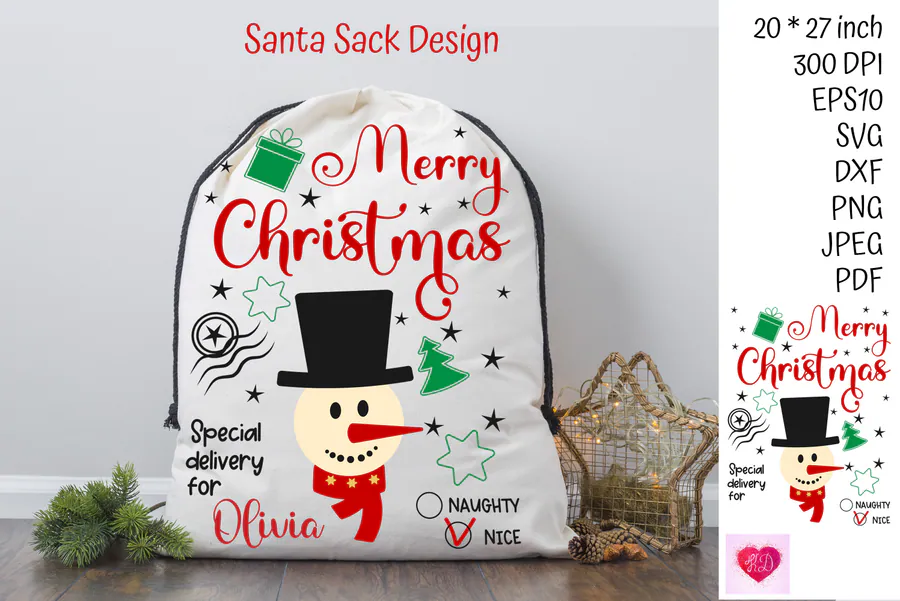
This Santa-sack download pairs a transparent 300 DPI PNG, approximately 20 × 27 inches, with SVG, EPS, DXF, PDF and JPEG formats. Its Merry Christmas lettering and snowman suit a tall fabric gift bag; reduce the artwork proportionally when using a shorter tote panel.
2. Christmas Tree Tote Bag Design
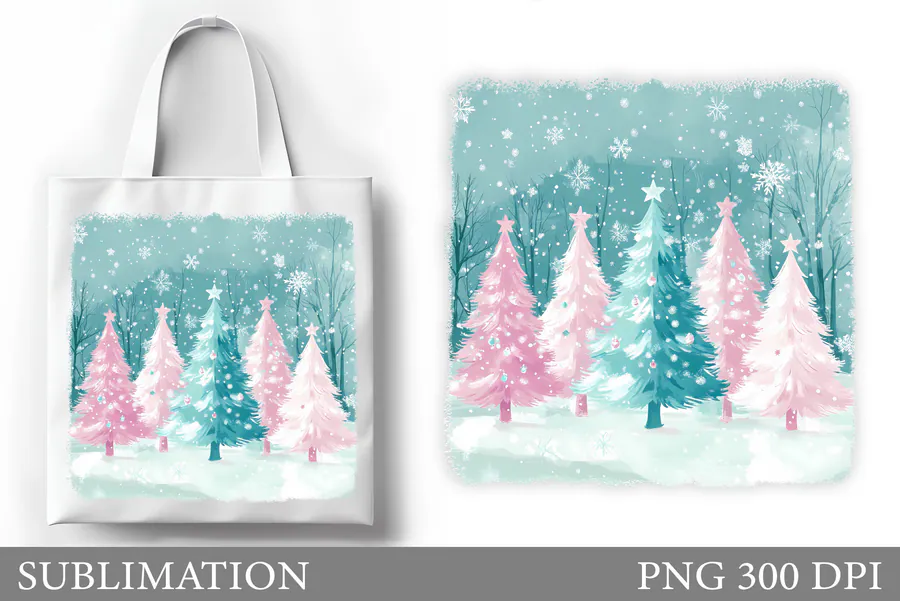
One 3600 × 3600-pixel PNG at 300 DPI shows pink Christmas trees against a snowy aqua background. The square scene makes a soft-colored alternative to red-and-green shopping bags and works well when the tote has a broad printable front.
3. Christmas Snowman Tote Bag Sublimation
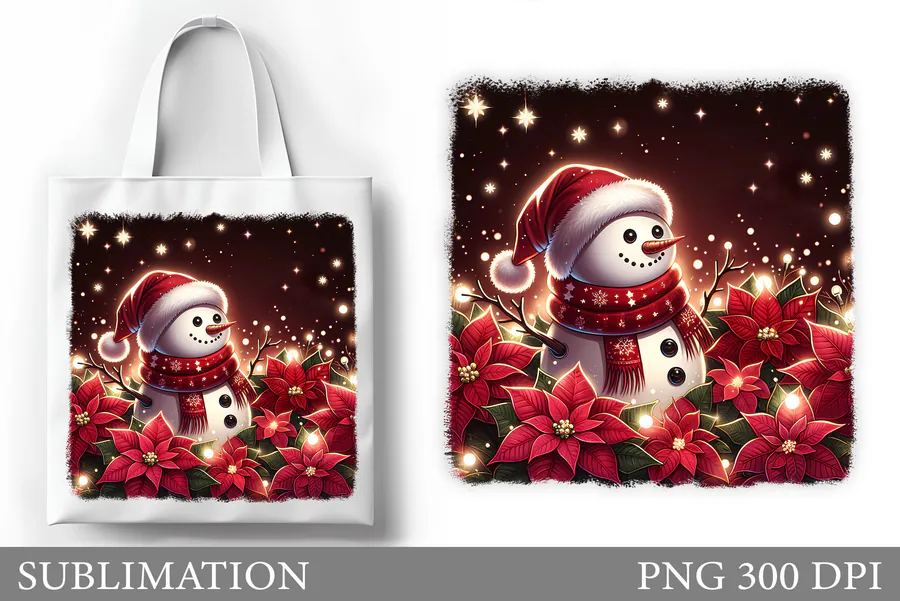
A glowing snowman, red poinsettias and tiny lights fill this 300 DPI square PNG. At 3600 × 3600 pixels, the artwork offers a detailed picture-led choice for a light tote rather than a large holiday slogan.
4. Christmas Sublimation Mega Bundle
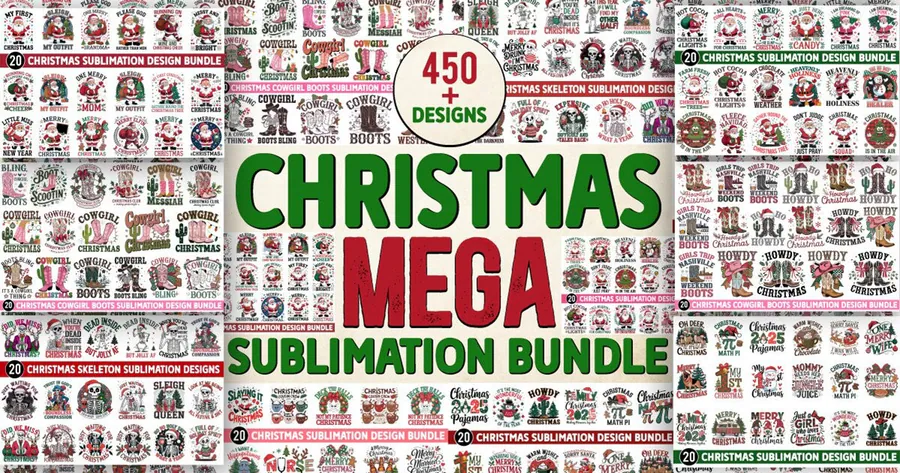
This large collection supplies transparent 300 DPI PNG artwork featuring Santa, reindeer, snowmen, gingerbread and Christmas greetings. Choose individual graphics for several tote gifts when each recipient would enjoy a different holiday motif.
5. Christmas Sublimation Bundle
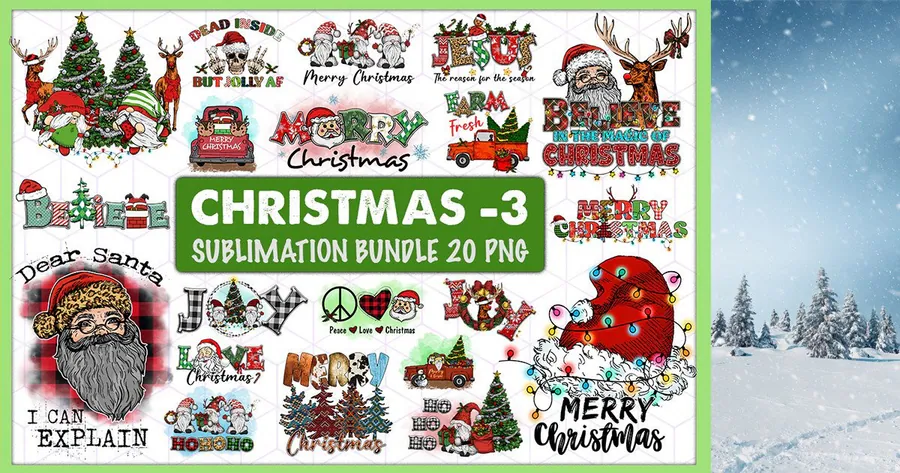
Twenty transparent 300 DPI PNG designs bring together Santa, gnomes, vintage trucks and Christmas-tree messages. The varied compositions suit bag panels as well as other compatible blanks, giving you illustrated options alongside bold seasonal wording.
6. Christmas Sublimation Bundle 20 PNG P4
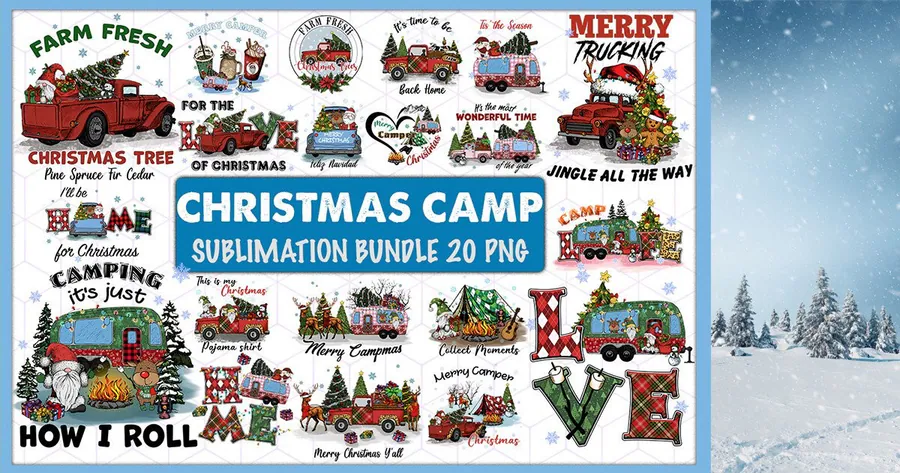
The 20 printable PNGs focus on campers, Christmas travel and farm-fresh tree trucks, with 300 DPI transparent backgrounds. Pick a camping or homecoming graphic for a reusable gift bag made for someone who enjoys holiday road trips.
7. Christmas Retro Holiday Design Bundle
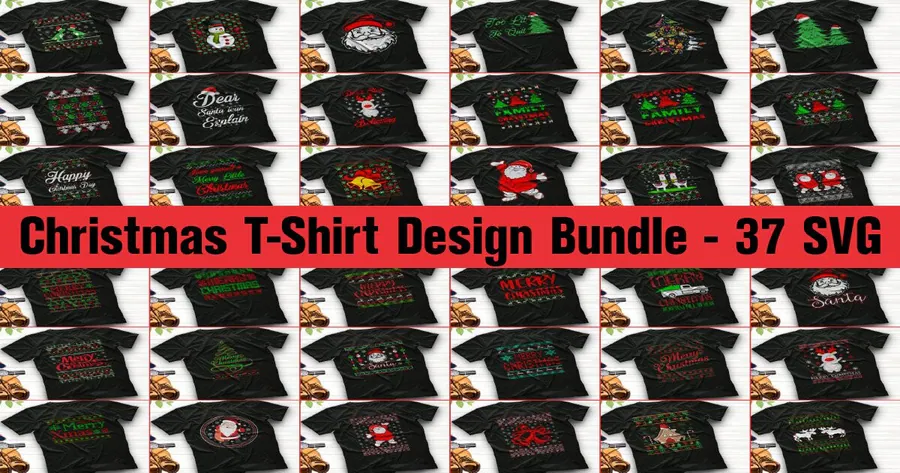
This 37-design collection includes PNG, SVG, AI, EPS and DXF versions with Santa, trees, snowmen and bold holiday typography. Its retro graphics offer an alternative to watercolor scenes for light fabric totes and coordinating Christmas crafts.
8. Christmas Coffee Sublimation Bundle
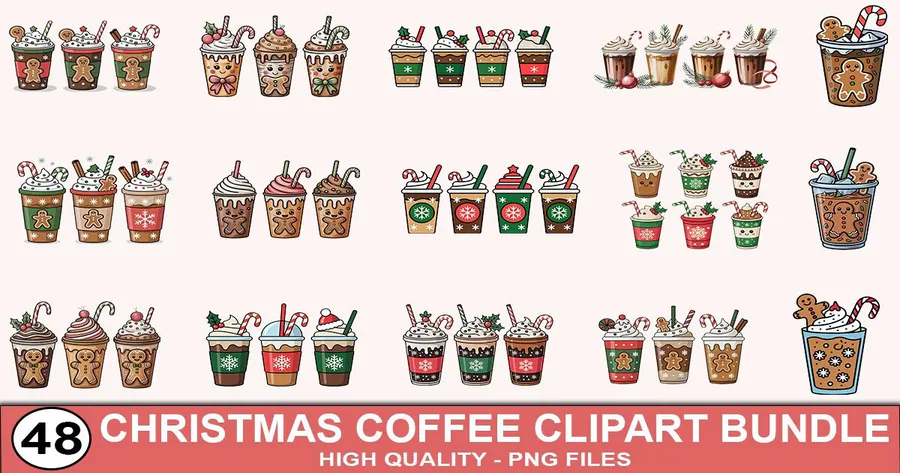
Forty-eight 300 DPI transparent PNG graphics show decorated takeaway cups with festive toppings and holiday details. The 12 × 12-inch artwork can give a coffee lover’s shopping tote a coordinated theme without relying on a large greeting.
9. Merry Christmas Sublimation Bundle
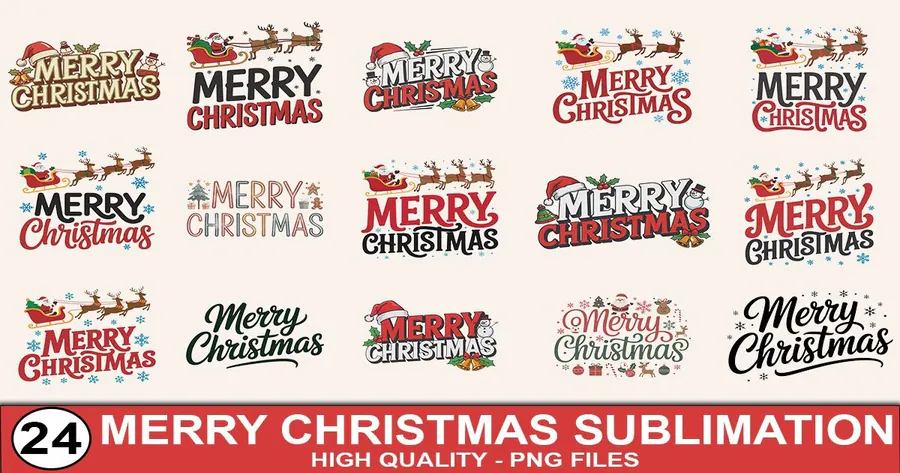
The 24-design Merry Christmas set supplies transparent PNG artwork at 300 DPI. Reindeer, trees and seasonal lettering create greeting-led bag designs for recipients who prefer a familiar Christmas message over a full scenic print.
10. Pink Christmas Tote Bag PNG Sublimation
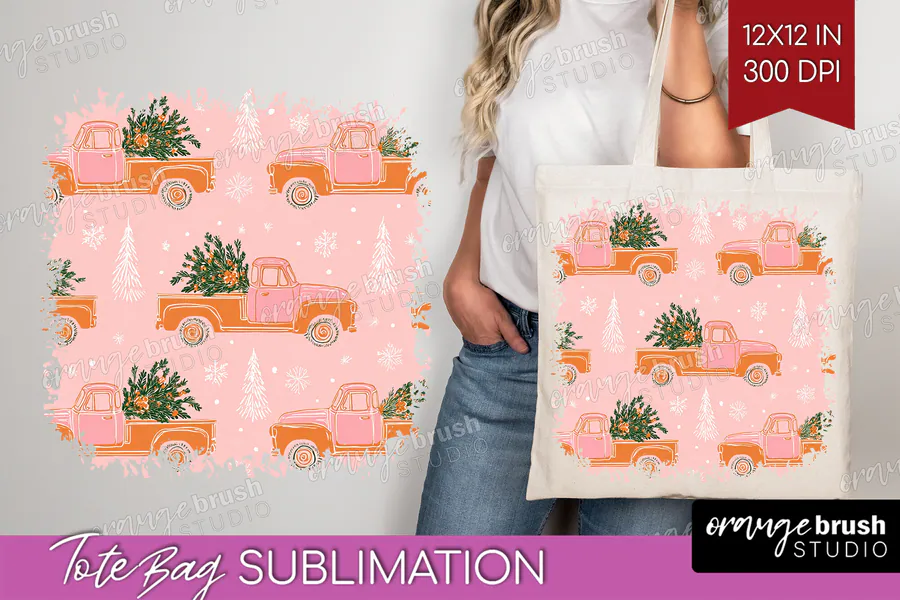
This tote-specific download provides one 12 × 12-inch, 300 DPI design featuring pink tree-carrying trucks and snowy holiday accents. Use the pastel repeat as a bag-front print or as a background when arranging your own additional text in separate layout software.
👉 Looking for a different palette? Browse more Christmas tote bag designs in the collection.
How to Choose a Christmas Tote Bag Design
- Match the artwork proportions to the flat printable area between seams and handles.
- Choose light polyester bags or blanks specifically labelled suitable for sublimation.
- Pick a single scene for one recipient, or a bundle when you need several distinct gifts.
- Use a paper placement check to keep lettering, trees and faces clear of folds.
Not sure which design fits? Read our guide: How to Choose Christmas Sublimation Designs for Handmade Gifts.
How to Download, Print and Press Your Tote
Download and unzip the purchased files, then open the printable PNG in your layout software. Measure the flat panel and resize without stretching the artwork. Print with the sublimation setup recommended for your printer, including mirroring where required. Protect the work surface and follow the bag supplier’s pressing instructions; seams and handles should stay outside the active press area.
Affiliate disclosure: This post contains affiliate links. If you purchase through a link, we may receive a commission at no extra cost to you.
Frequently Asked Questions
Can I sublimate these designs onto any canvas tote?
Choose a bag made for sublimation or a suitable light polyester blank. A cotton canvas tote needs a compatible alternative transfer process; the downloadable artwork does not change the fabric’s ink compatibility.
Are these finished bags or digital files?
They are digital artwork downloads. You supply the bag, printing materials and pressing equipment; the product photos show styling examples.
Do all the downloads include cut files?
No. Several picks are printable PNG sets, while some also list SVG, EPS or other formats. Use the Includes column and the individual card to choose the formats your project needs.
Will a square design fill the entire bag?
Only if the printable panel has matching proportions. Keep the original aspect ratio and reduce the design to fit within seams, handles and the supplier’s usable print area.
Ready to Make Your Christmas Gifts?
Choose a snowy tree, cheerful snowman or festive coffee motif, measure your bag and make a reusable Christmas gift with a design that fits.